TextPort for Windows · 适用于 Windows 10 和 11
将 iPhone 短信导出到电脑
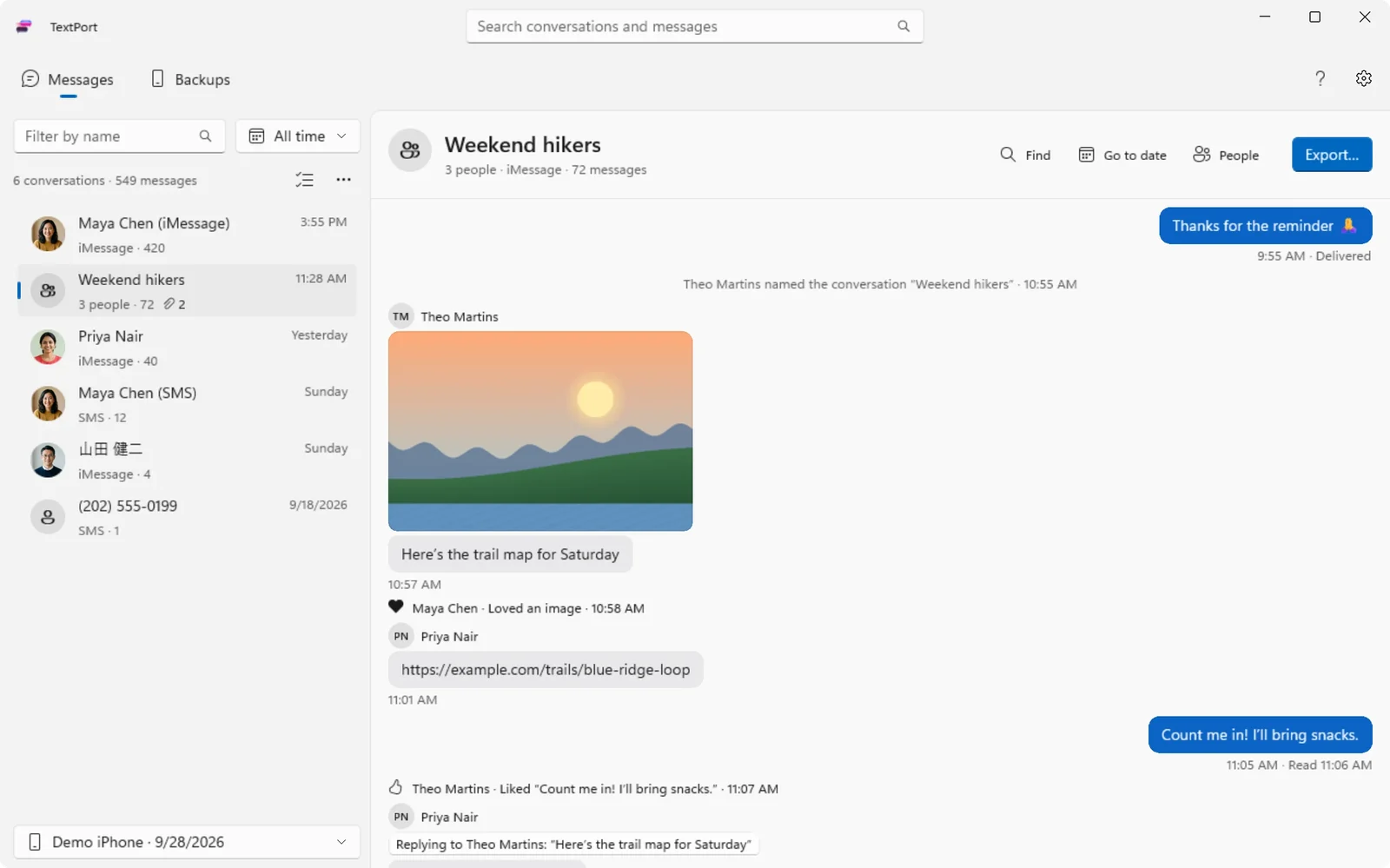
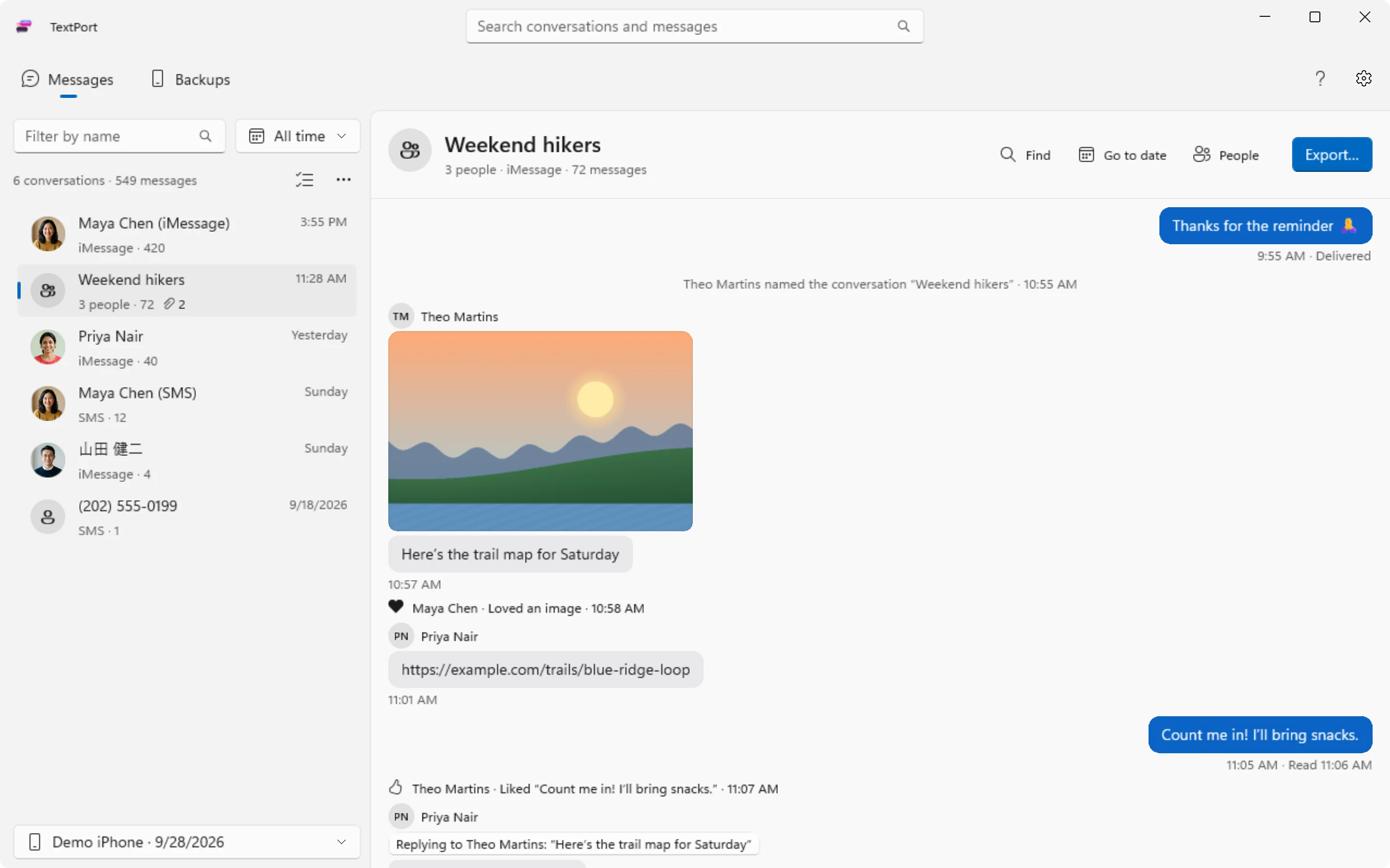
多年的短信、照片和附件,保存为 PDF、CSV 或文本。连上 iPhone 就能开始。






如何把 iPhone 上的短信传到电脑
一根数据线,在 iPhone 上轻点一下。其余的交给 TextPort。
-
1

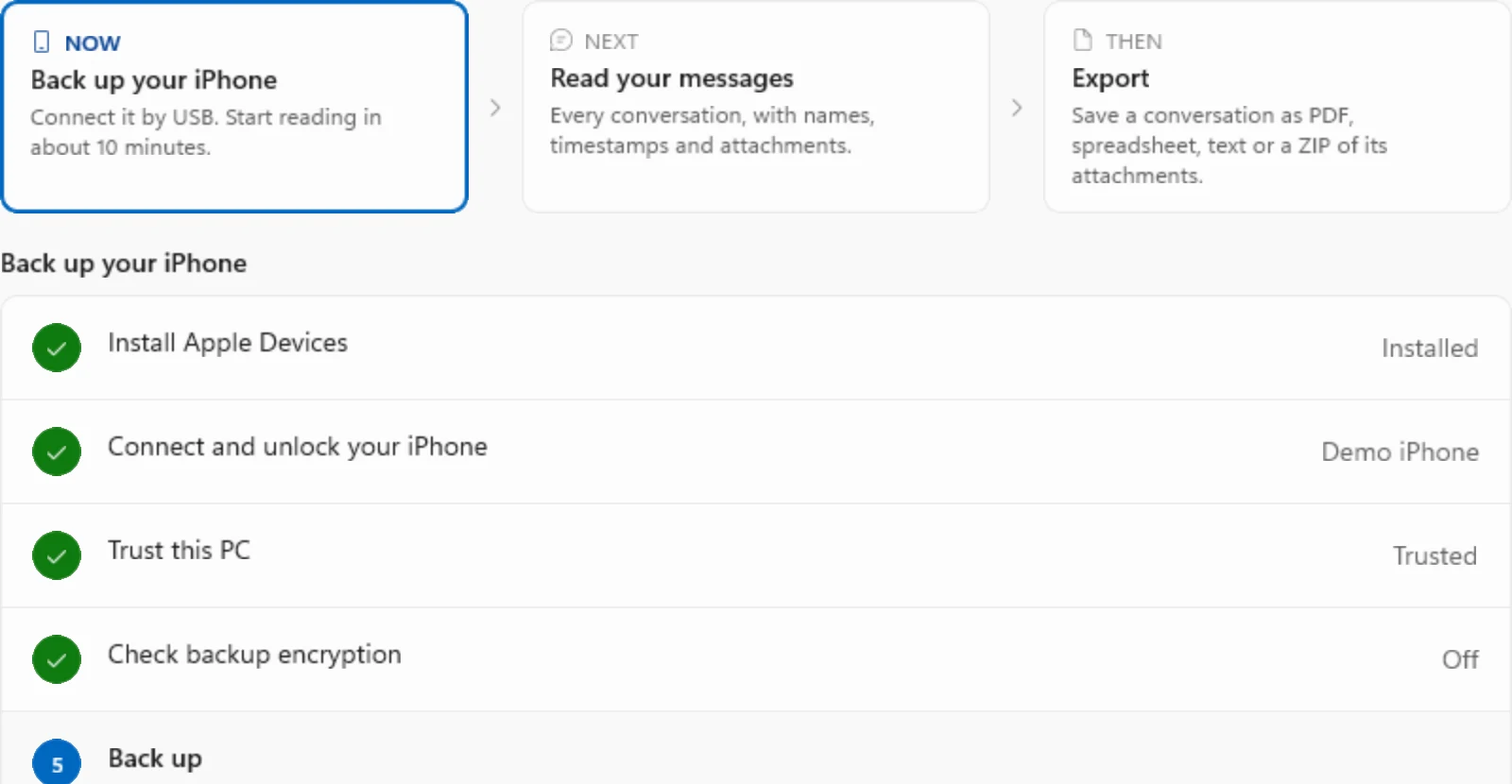
安装 TextPort
TextPort 会帮你设置 Apple Devices。
-
2
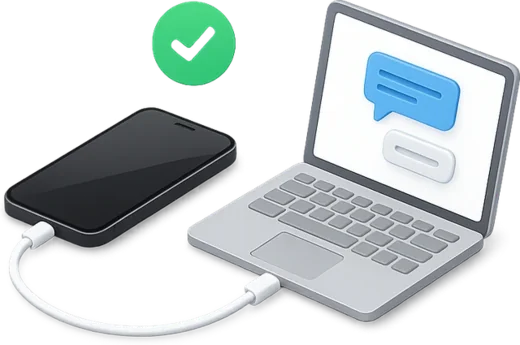
连接 iPhone 并轻点“信任”
约 10 分钟后即可开始阅读。
-
3

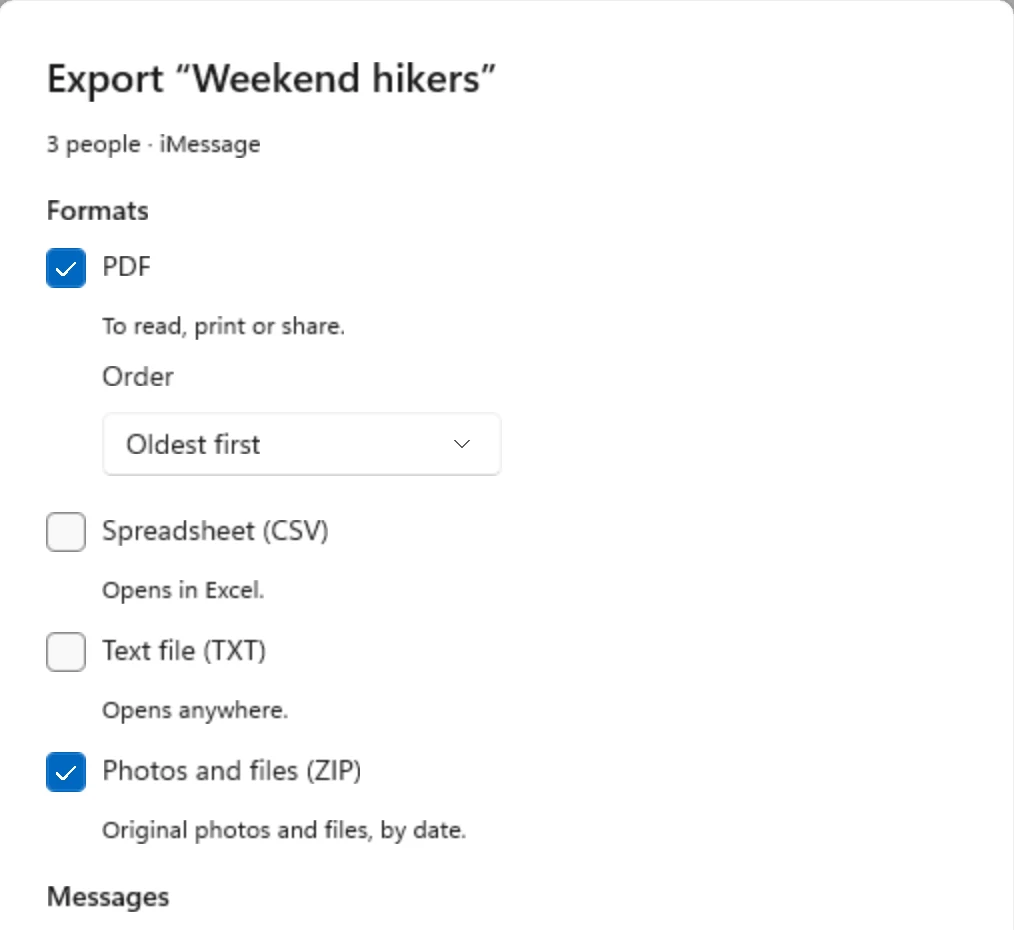
导出为 PDF、CSV 或文本
选择对话和日期,附件保存为 ZIP。
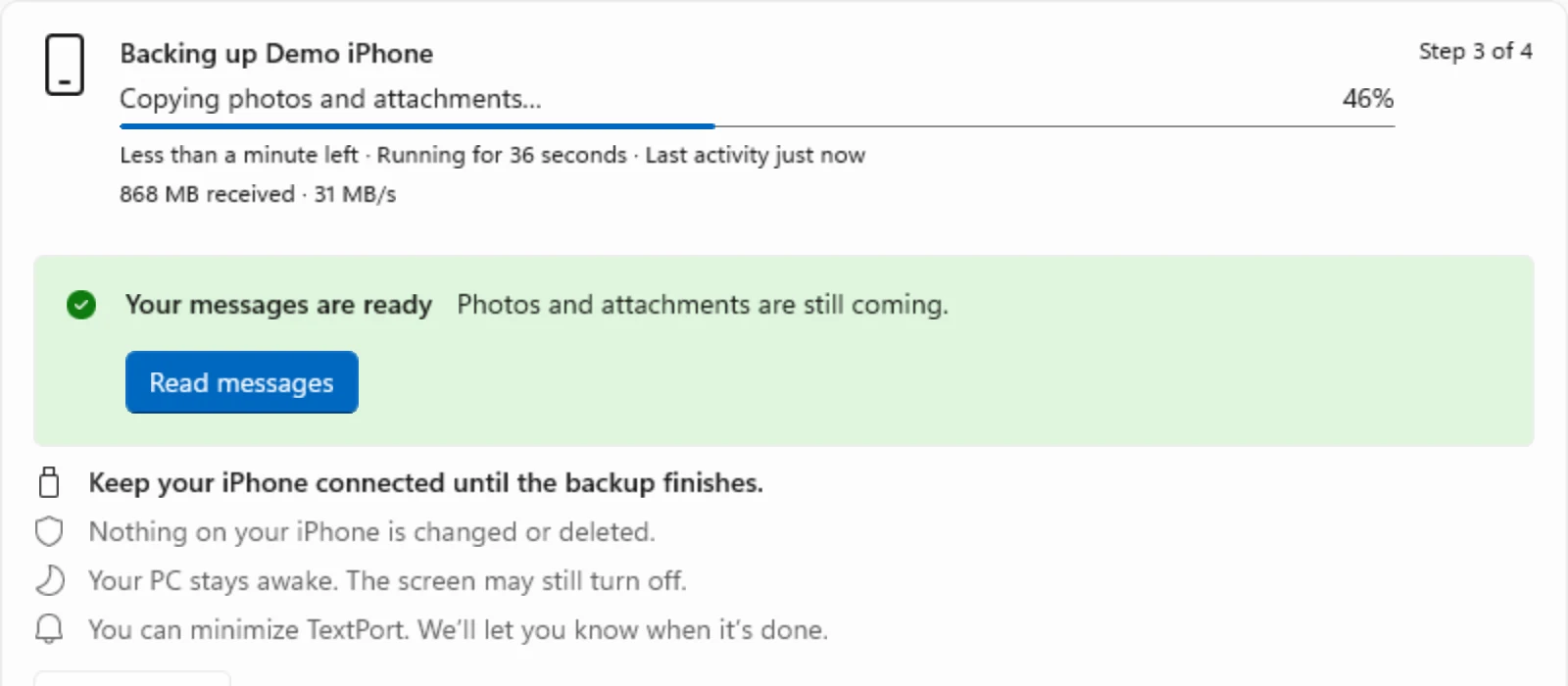
穿越回过去
多年的消息一览而过,点一下就跳到任意一天。
将指针移到窗口左边缘的时间轴上,然后点按或拖动。 触摸并拖动窗口左边缘的时间轴。
你需要准备
- 一台运行 Windows 10 或 11 的电脑
- 你的 iPhone 和数据线
- Apple Devices 或 iTunes(TextPort 会帮你安装)
- 足够存放 iPhone 备份的可用磁盘空间
已经用 Apple Devices 或 iTunes 备份过了?TextPort 可以直接读取该备份,无需重新备份。



大家为什么要导出短信
从开庭到手机存储空间告急,这些是我们听到最多的原因。
即将开庭
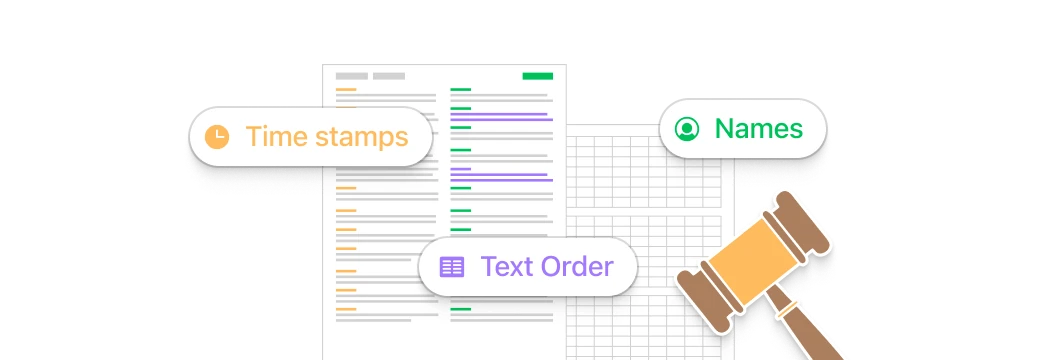
律师需要你 2022 年以来的每一条短信。选好日期,导出一份清晰的 PDF。
想从头读起
iPhone 翻不了那么远。在电脑上打开对话,从第一条信息开始读。
iPhone 存储空间不足
群聊照片占满了你的手机。把所有附件保存成 ZIP。
业务记录
你靠短信经营生意。把每一条信息导出成电子表格。
留住回忆
把与重要的人的短信,保存成属于你自己的副本。
找到那条信息
多年前有人给你发过一个地址。几秒钟搜遍全部历史记录。
不必只听我们说
 TextPort for Mac 在 Mac App Store 的评分为 4.9
TextPort gave me something I thought I wouldn’t be able to get
After meeting my biological brother for the first time in 48 years, our text conversations became some of the most meaningful memories I've ever had. We texted so much over the past year, than when I wanted to go back...
Fantastic app—it did everything I needed it to do
I lost my partner of 5 years and there was really no way to go back and read everything we had written since the beginning of our relationship until I used TextPort. The software was able to take all of the messages...
Great App
I tried a few other apps but they were either intrusive or overly complex. My goal is to keep records of older iMessages for general purposes (non-legal or other more serious purposes). I saved to PDF and can easily...
常见问题
需要导出 WhatsApp、Instagram 或 Messenger?请使用 TextPort for iPhone。 正在从 iMazing 或 CopyTrans 迁移?看看 TextPort 的对比。
-
安装 TextPort,连接 iPhone 并轻点“信任”。TextPort 会把 iPhone 备份到你的电脑,然后你选择对话,导出为 PDF、CSV 或文本。
-
你需要 Apple Devices(旧版 Windows 10 上为 iTunes),这是 Apple 的免费应用,可让 Windows 与 iPhone 通信。TextPort 会自动检测,并带你完成设置。
-
可以。如果 Apple Devices 或 iTunes 已把 iPhone 备份到这台电脑,只要备份未加密,TextPort 就会列出该备份,无需再次备份即可打开。
-
可以。导出 PDF,再用任意 PDF 阅读器打印。每一页都带有姓名和时间戳。
-
不是。TextPort 读取并导出 iPhone 上已有的信息。如需在电脑上收发 iMessage,请使用微软的 Phone Link。
-
TextPort 读取未加密的备份。它会替你检查 iPhone,如果开启了加密,会带你一步步关闭。这需要用到你的备份密码。
-
会。TextPort 会把对话中的照片、视频和其他附件打包成 ZIP,放在聊天记录旁边。
-
不会。TextPort for Windows 在你的电脑上读取并导出信息。无需账户,你的信息不会离开你的电脑。
全部信息历史,一键导出
支持 Mac 和 Windows,无需账户。