TextPort for Mac · On the Mac App Store
Export all your iMessages on your Mac
Whole conversations, every timestamp, photos and attachments. PDF, CSV or text, in one go.







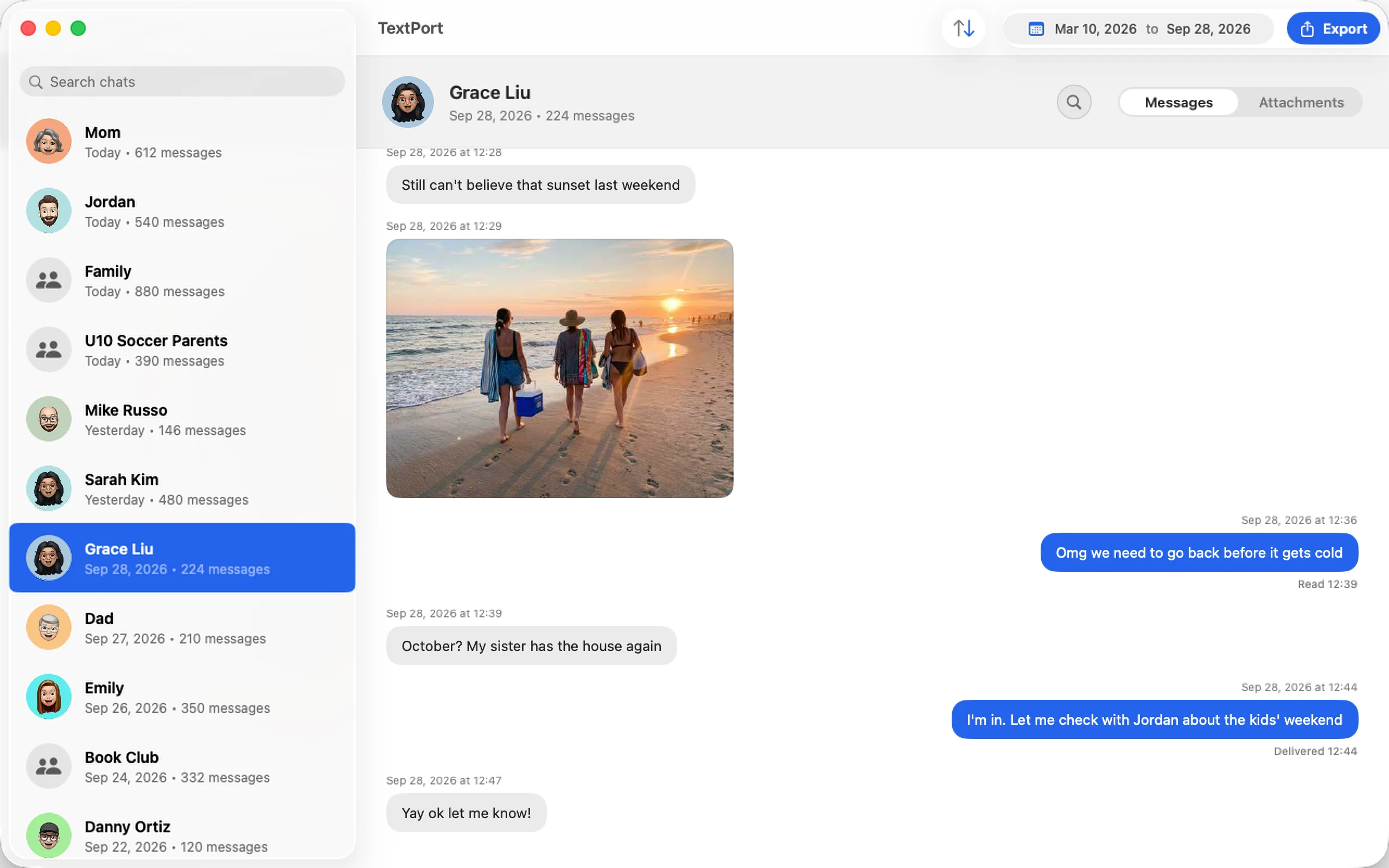
How to export iMessages on your Mac
No cable and no backup. TextPort reads Messages right on your Mac.
-
1

Get TextPort for Mac
From the Mac App Store, no account.
-
2

Turn on Messages in iCloud
It brings your iPhone's history to your Mac.
-
3

Export to PDF, CSV or text
Pick chats and dates. Save attachments as a ZIP.
A closer look
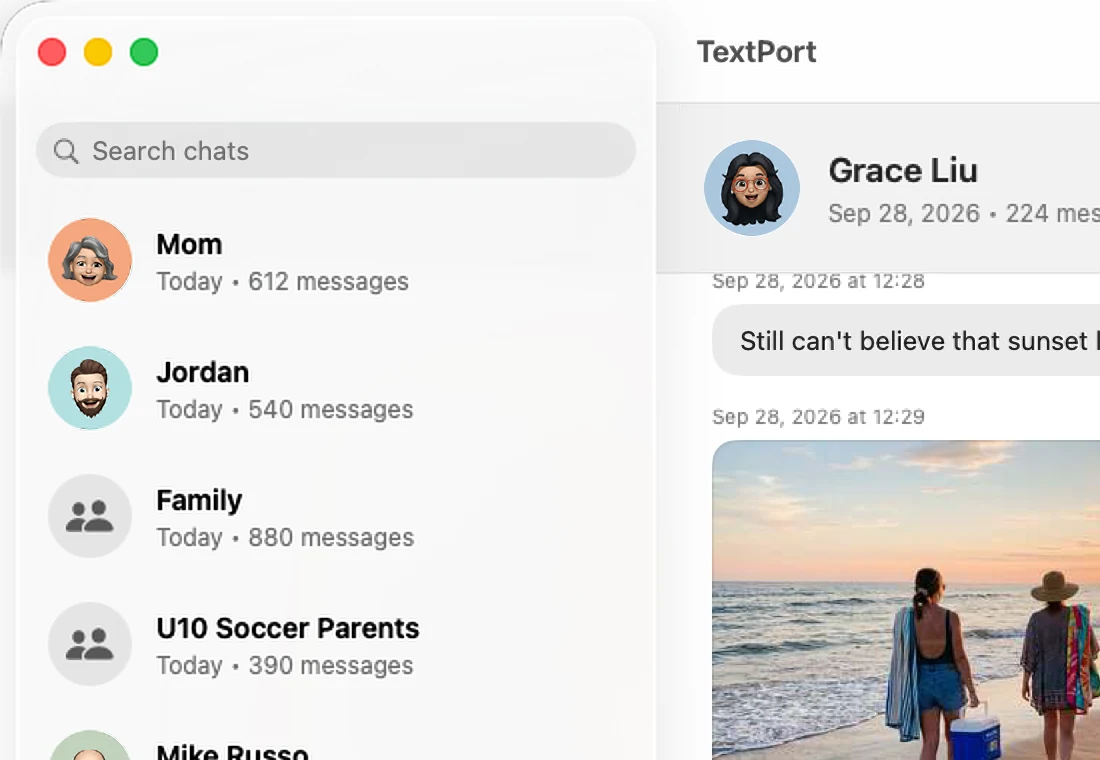
The real app, shown with sample chats.
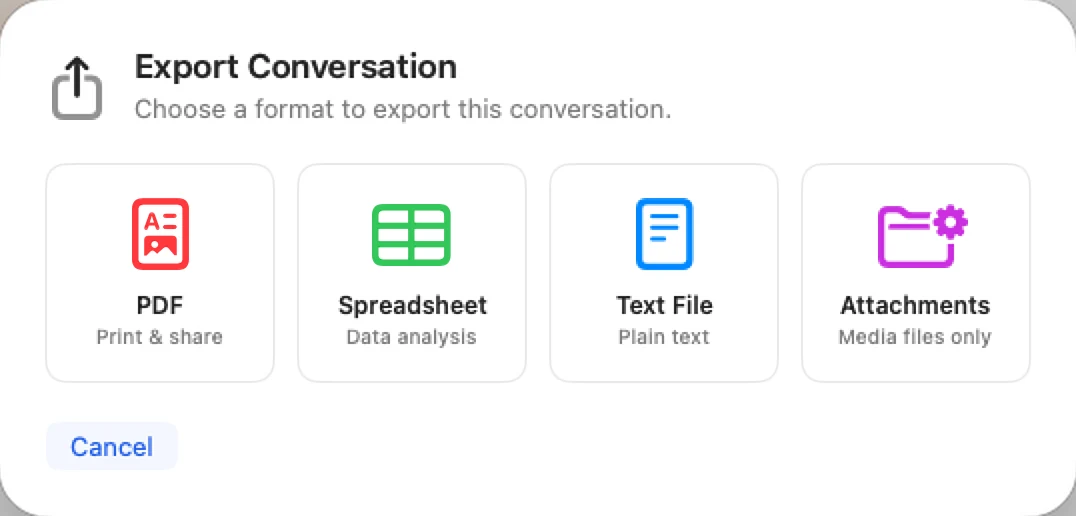
Built for your whole history
Search, filter, and export years of messages, attachments included.
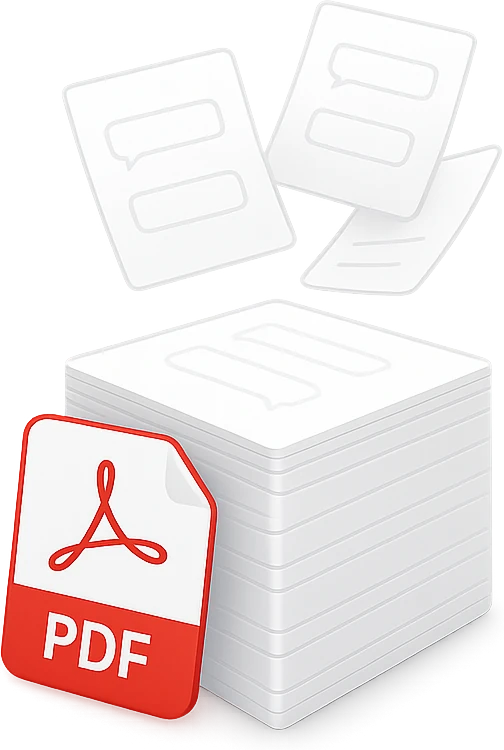
Every chat, all at once
One Mac user turned 32,000 messages into a single 3,266-page PDF.
- Names, timestamps, and order kept
- Group chats included
- No limits

Photos, videos, and voice notes
Saved in a ZIP next to your transcript.

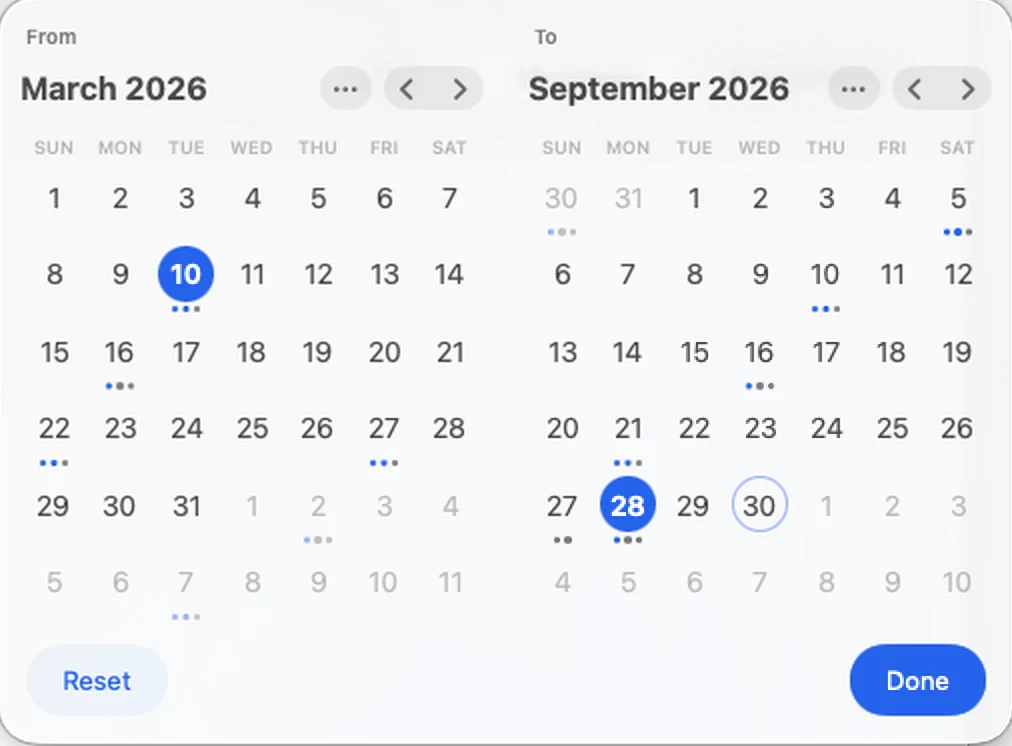
Pick the exact dates
Export only the months you need.

Find anything
Search years of texts in seconds.

Stays on your computer
No account. No uploads.

Print-ready PDFs
Names and timestamps on every page, ready to print or take to court.
Print straight from the app
Oldest or newest message first.
Why people export their texts
From court dates to a full phone, these are the reasons we hear most.
A court date is coming
Your lawyer needs every text since 2022. Pick those dates and export one clean PDF.
Reading from the beginning
Your iPhone won't scroll back that far. Open the chat on your computer, first message first.
Out of iPhone storage
Group chat photos are filling your phone. Save every attachment to a ZIP.
Business records
You run your business over text. Export a spreadsheet of every message.
Keeping the memories
Keep your texts with the people who matter in a copy that's yours.
That one message
Someone sent you an address years ago. Search your whole history in seconds.
Don't take our word for it
 TextPort for Mac is rated 4.9 on the Mac App Store
TextPort gave me something I thought I wouldn’t be able to get
After meeting my biological brother for the first time in 48 years, our text conversations became some of the most meaningful memories I've ever had. We texted so much over the past year, than when I wanted to go back...
Fantastic app—it did everything I needed it to do
I lost my partner of 5 years and there was really no way to go back and read everything we had written since the beginning of our relationship until I used TextPort. The software was able to take all of the messages...
Great App
I tried a few other apps but they were either intrusive or overly complex. My goal is to keep records of older iMessages for general purposes (non-legal or other more serious purposes). I saved to PDF and can easily...
Frequently asked questions
Need WhatsApp, Instagram, or Messenger? Use TextPort for iPhone.
-
Open TextPort, pick the chat and choose PDF. The whole conversation exports in one go, with names, dates and times on every page.
-
For a short chat, printing from Messages works. TextPort exports whole conversations at once, lets you pick a date range, and also saves CSV, text and the photos and attachments.
-
No. TextPort reads the Messages already on your Mac. To bring over your iPhone's full history, turn on Messages in iCloud on both your iPhone and your Mac and let it finish syncing.
-
Yes. Choose Spreadsheet to save a CSV file, which opens in Excel, Numbers and Google Sheets.
-
Yes. TextPort saves a conversation's photos, videos and other attachments as a ZIP next to the transcript.
-
macOS asks you to allow access to your Messages folder before any app can read it. TextPort only reads it, and nothing leaves your Mac. See how to give access.
-
Any Mac with macOS 14.6 or later, with Apple silicon or Intel.
-
No. TextPort for Mac reads and exports your messages on your Mac. There's no account, and your messages never leave your computer.
-
TextPort's PDFs are print-ready, with names and timestamps on every page, and can be used in court. Keep the original messages on your devices and check the export before you use it.
Your whole message history, one click away
For Mac and Windows. No account needed.