
Export iPhone messages
to PDF or Excel
Works with any chat app, right on your phone. No computer, cables, or special software. Save conversations as PDFs, spreadsheets, or text files for court, custody issues, disputes, or personal records.







App Store Approved

GDPR Compliant

CCPA Compliant
“Very helpful app for organizing and exporting text messages”
 Emilly
“Excellent app for helping me with the leverage I need for court! Definitely a game changer!!”
Jason
“Easy to understand, easy to use, highly recommend 5/5”
George
How it Works
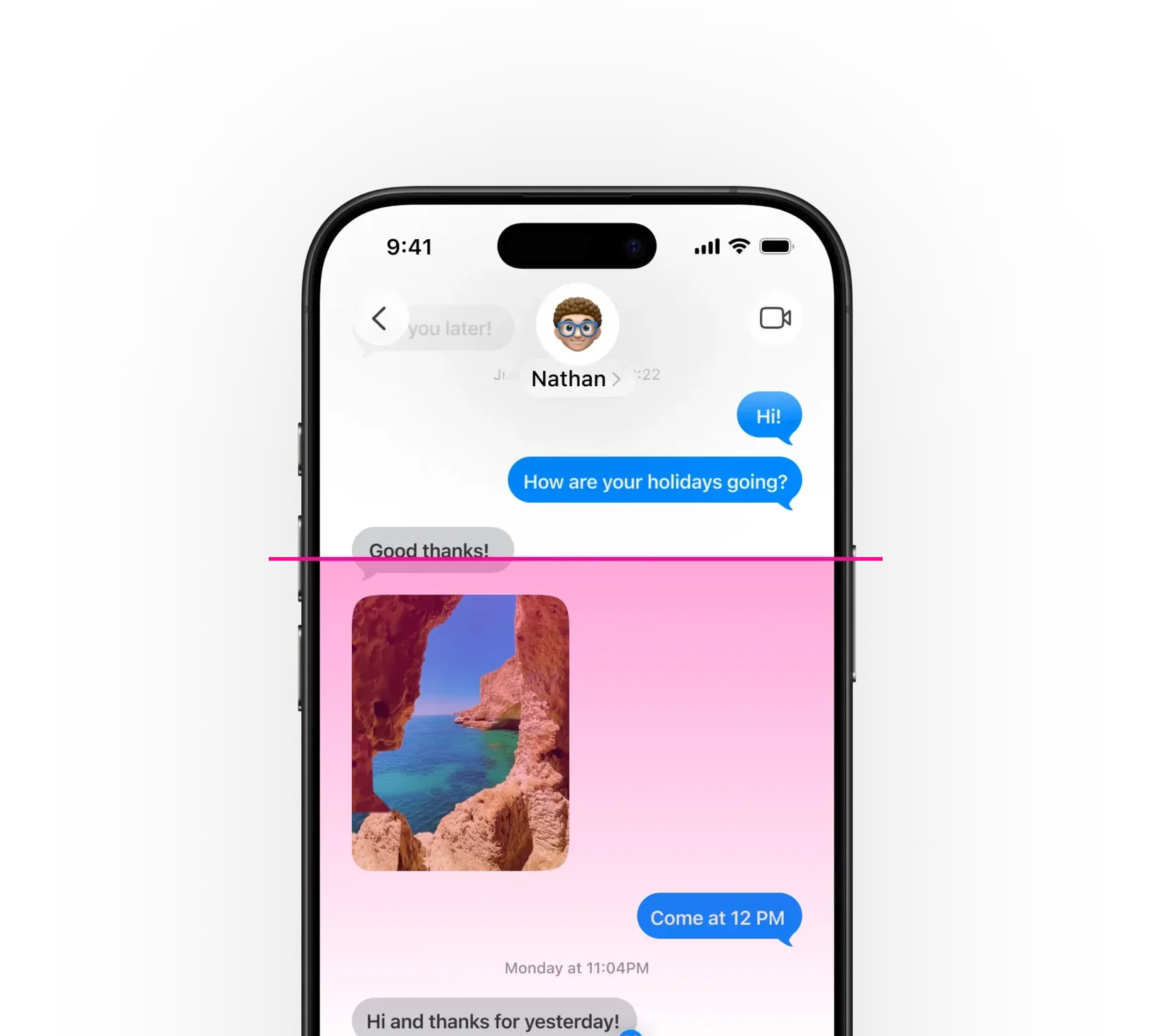
Pick a conversation. TextPort takes care of the rest.
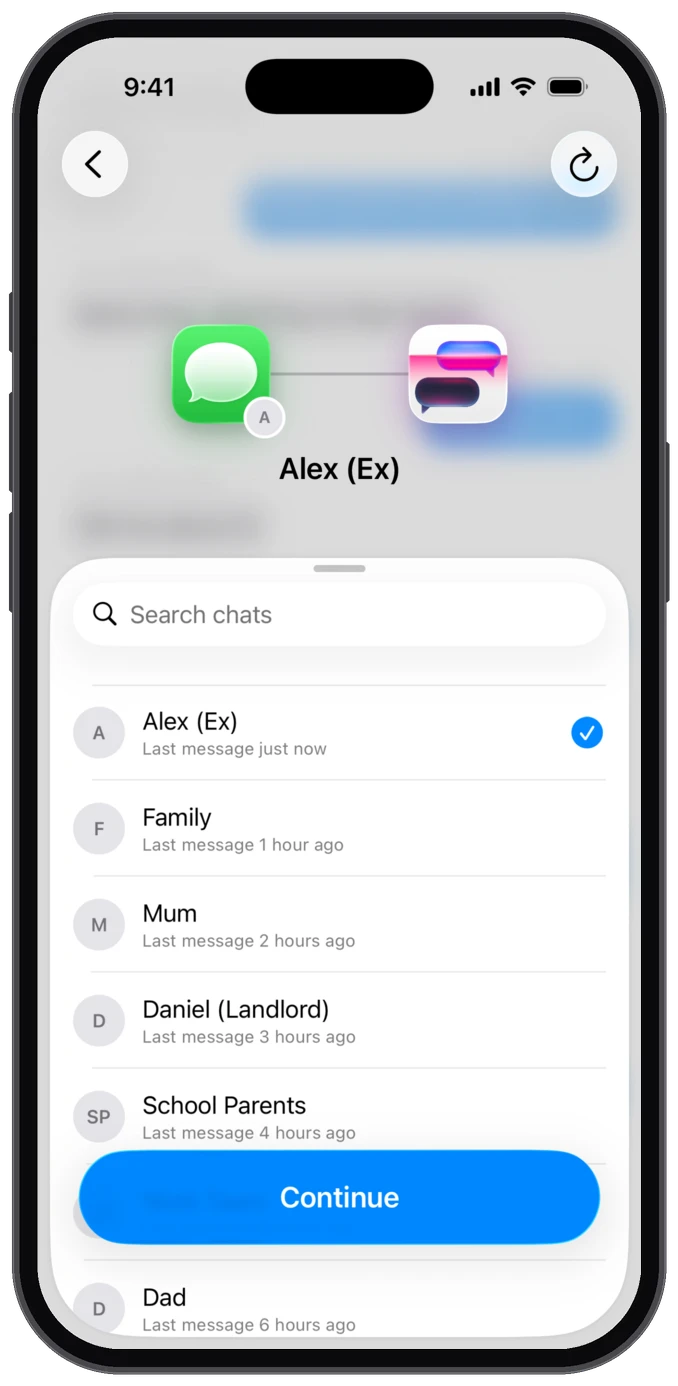
Pick a conversation
Choose any chat in TextPort, right on your iPhone.
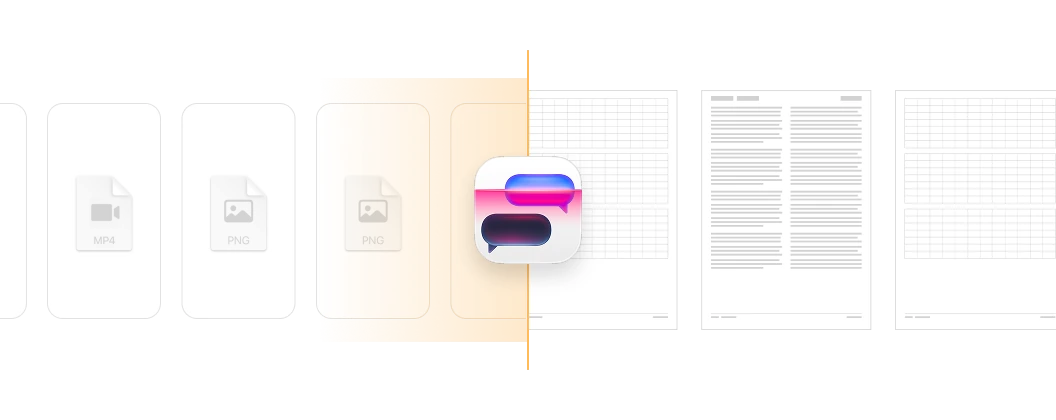
TextPort imports it
Straight from iMessage or a WhatsApp chat export: every message with timestamps and senders, in order.
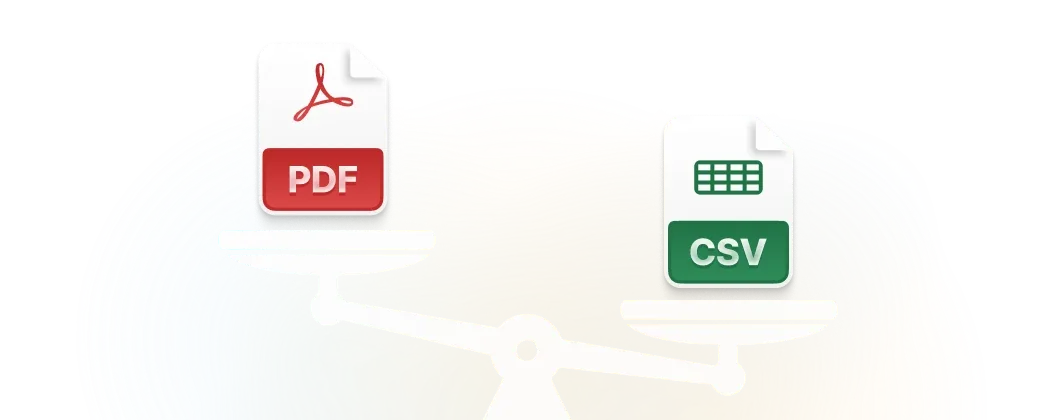
Export as PDF or Excel
Download your messages as a formatted PDF for court, a spreadsheet for sorting, or plain text for copying.
Need to export everything at once? Try the desktop app for Mac or Windows.
Everything you need
Turn your chats into data you can search, download, back up, and print.

Works with any app
Your conversations aren't stuck in one app. Export from iMessage, WhatsApp, Messenger, Instagram DMs, Telegram, Signal, and more.

PDF, CSV, or plain text
Export in the format you need: PDF for court or printing, CSV for spreadsheets, or plain text for anything else.
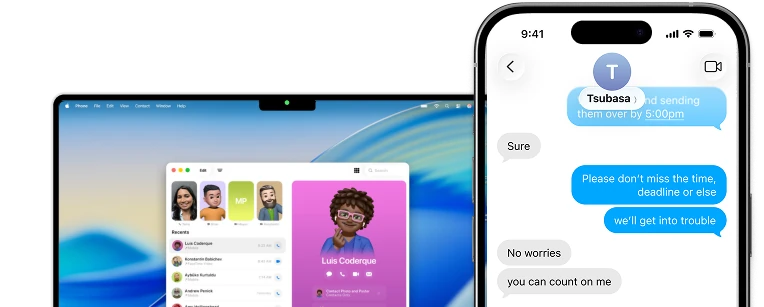
No computer needed
Leave the cable behind. TextPort works right on your iPhone, so you can export conversations wherever you are.
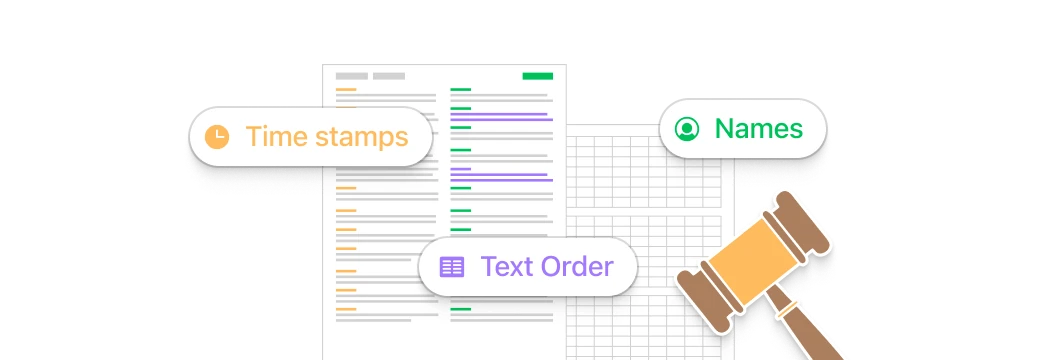
Court-friendly exports
Get a clean, readable record with sender names, timestamps, message order, and the surrounding context intact.

No limits
Export as many conversations or messages as you need. No restrictions on volume or length.
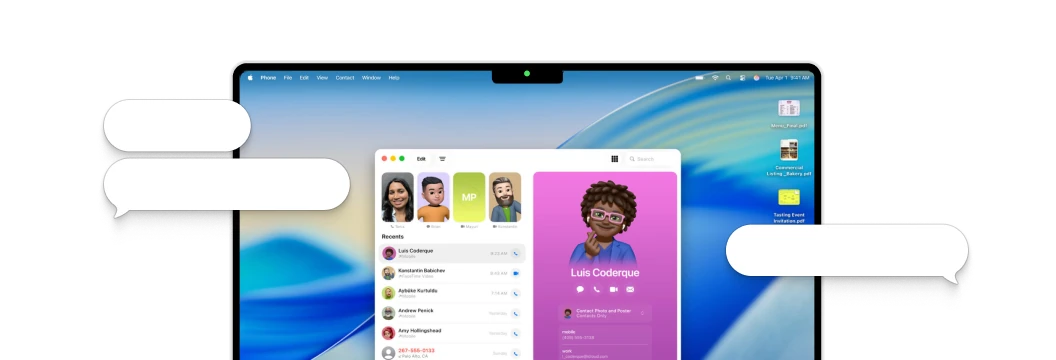
When the conversation matters
Turn important conversations into clear, organized records for court, custody cases, workplace issues, or your own files. No complicated desktop software required.

Keep personal records
Keep the conversations you may need later, from school and workplace issues to estate matters and important personal records.
Disputes and documentation
Organize conversations for harassment reports, landlord disputes, HR complaints, and other situations where a clear record matters.
Court and custody cases
Export conversations into clean PDFs for court filings, custody hearings, mediation, or a meeting with your attorney.
Preserves sender names, timestamps, and message order
Works with iMessage, WhatsApp, Instagram DMs, and any other app
No computer needed. Export directly from your phone in a few minutes
Frequently asked questions
Have a question before downloading TextPort?
-
TextPort lets you export text messages from any messaging app right on your phone, with no computer needed. Pick a conversation, and TextPort pulls it straight out of iMessage and produces a paginated, timestamped export as PDF, CSV, or plain text in minutes. There's also a desktop app for Mac and Windows if you need to export all messages at once.
-
TextPort works with messaging apps across your iPhone or iPad, including iMessage, SMS, WhatsApp, Facebook Messenger, Telegram, Signal, and Instagram DMs.
-
You can export your messages as PDF for sharing and printing, CSV for spreadsheets and analysis, or plain text (.txt).
-
No. Export as many messages or conversations as you need. There are no restrictions on volume.

Start exporting your messages
Available for iPhone, Mac, and Windows. No computer required.