TextPort for Windows · 適用於 Windows 10 和 11
將 iPhone 簡訊匯出到電腦
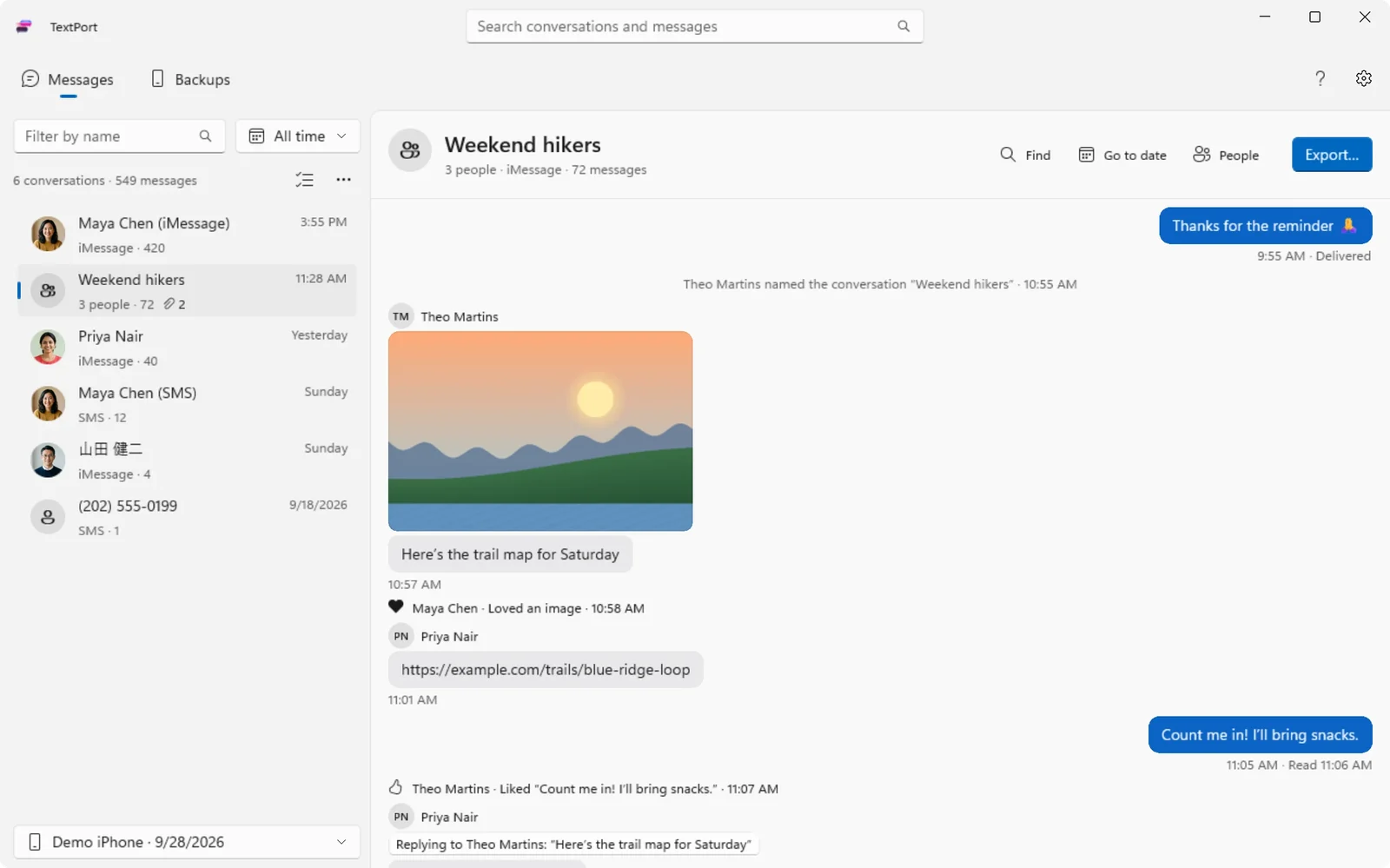
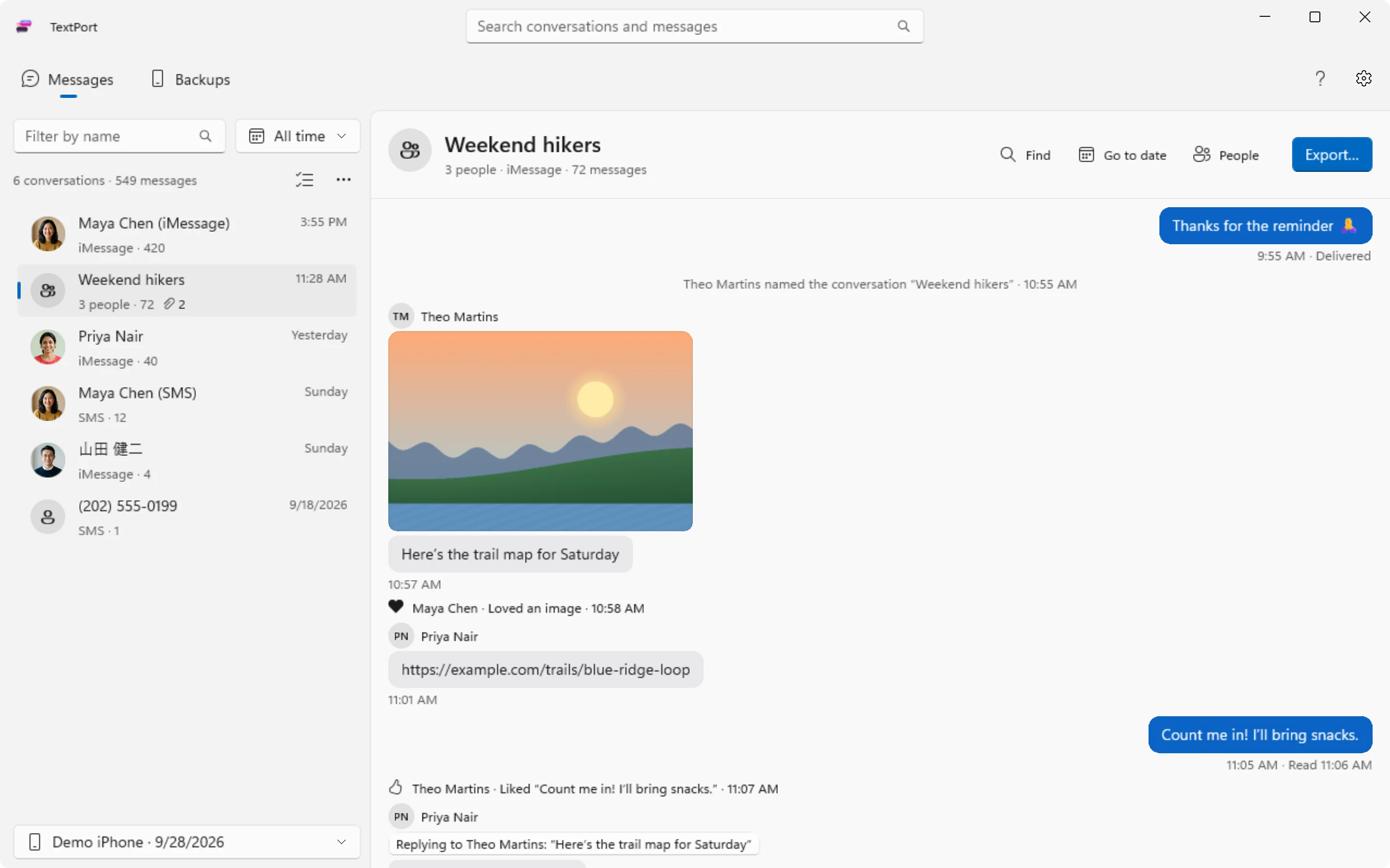
多年的簡訊、照片和附件,儲存為 PDF、CSV 或文字檔。接上 iPhone 就能開始。





如何將 iPhone 簡訊傳到電腦
一條傳輸線,在 iPhone 上輕點一下。其餘的交給 TextPort。
-
1

安裝 TextPort
TextPort 會幫你設定 Apple Devices。
-
2
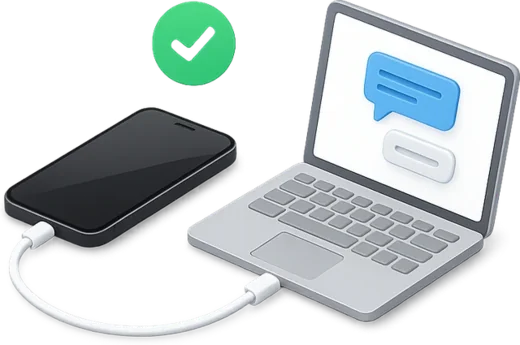
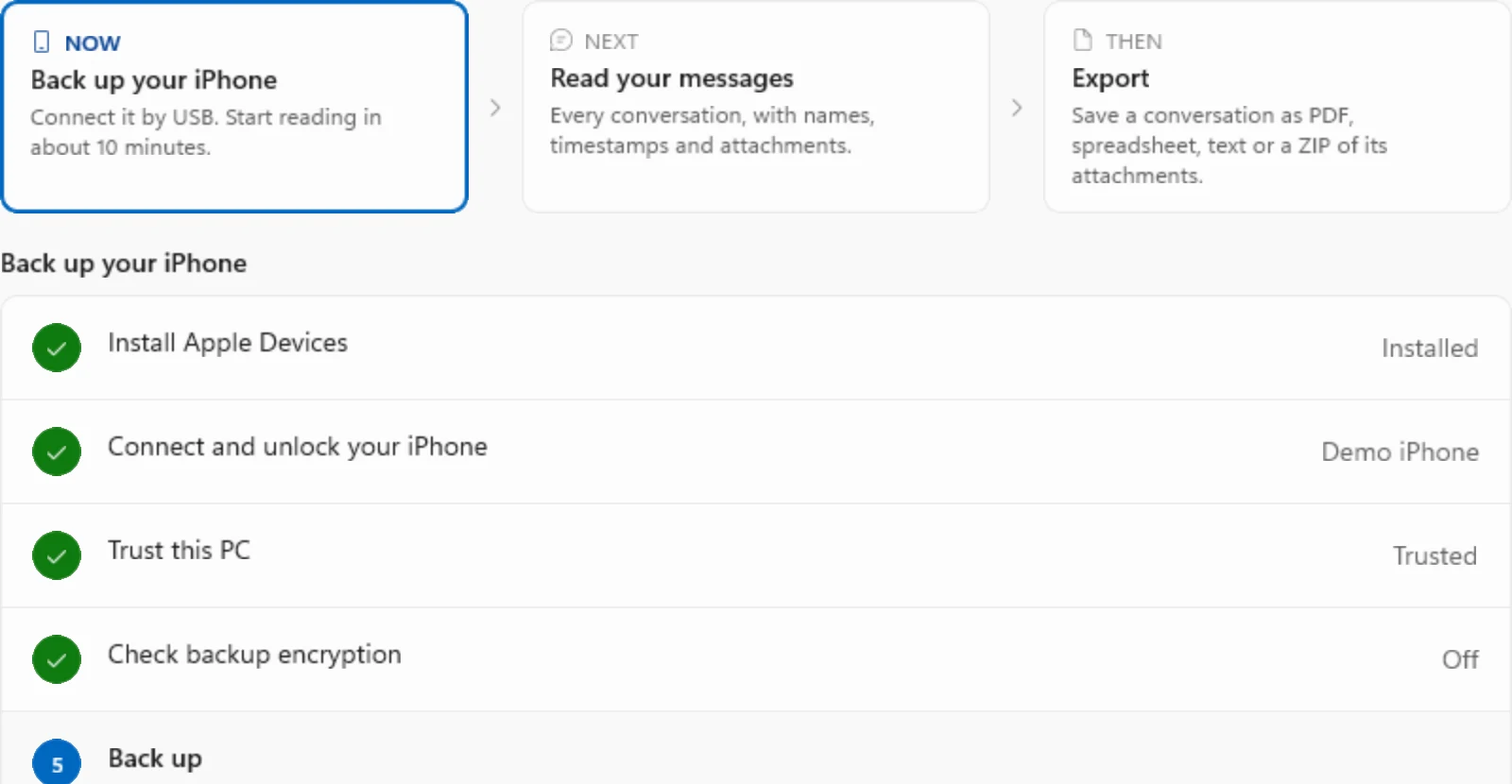
接上 iPhone 並輕點「信任」
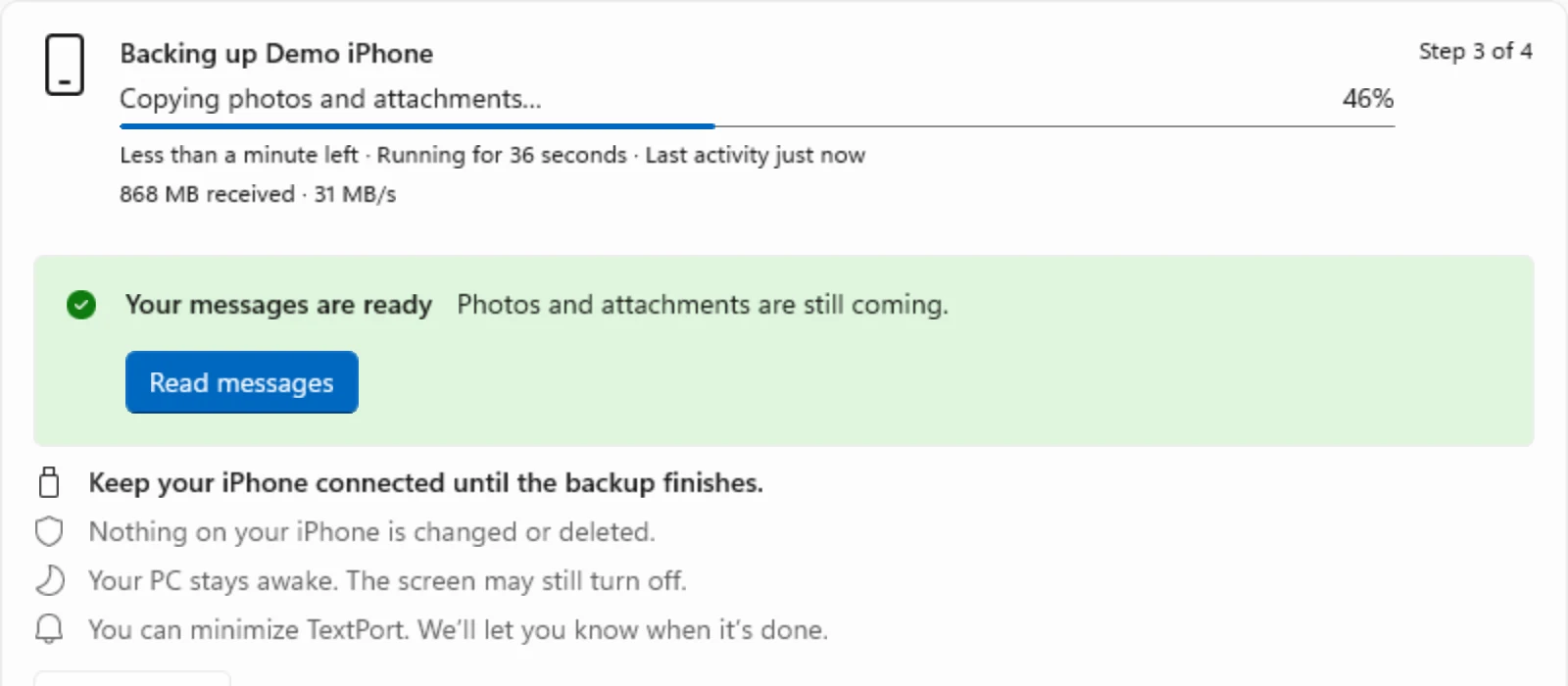
約 10 分鐘後就能開始閱讀。
-
3

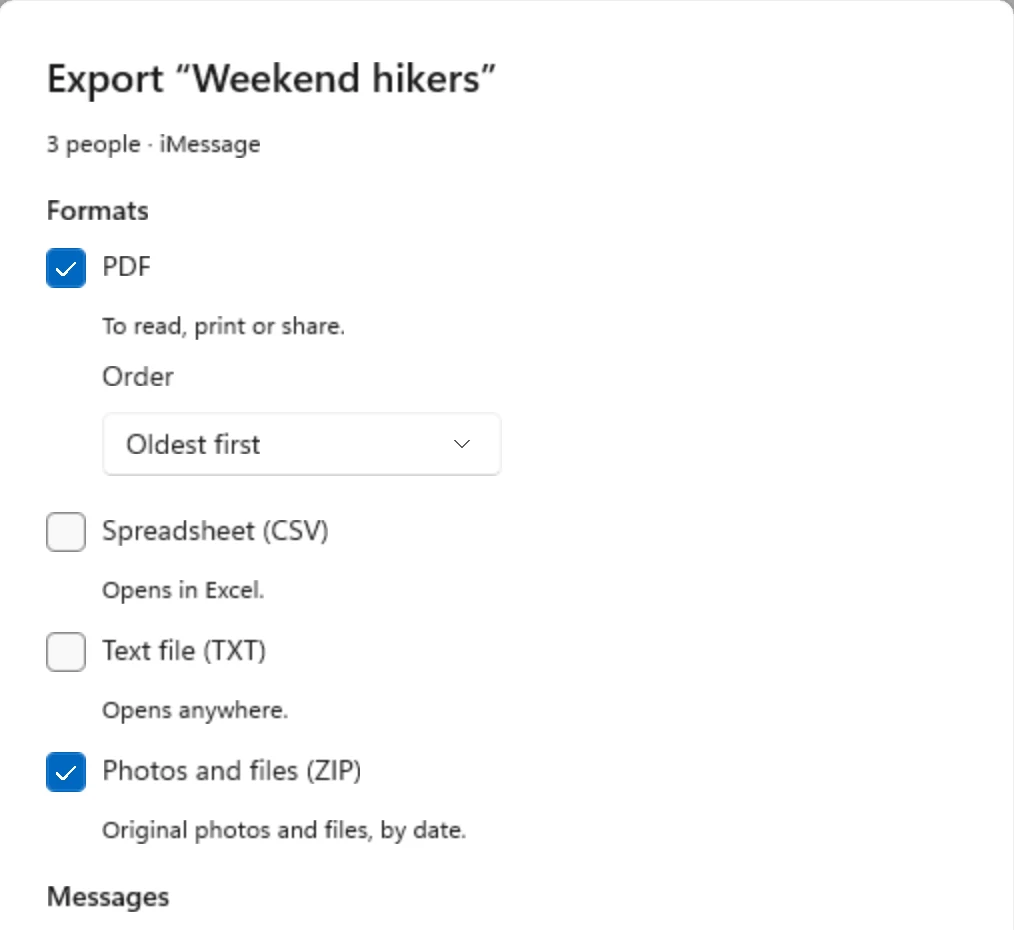
匯出為 PDF、CSV 或文字檔
選擇對話和日期,附件儲存為 ZIP。
穿越回過去
多年的訊息一覽而過,點一下就跳到任何一天。
將指標移到視窗左邊緣的時間軸上,然後按一下或拖移。 觸碰並拖移視窗左邊緣的時間軸。
你需要準備
- 一台執行 Windows 10 或 11 的電腦
- 你的 iPhone 和傳輸線
- Apple Devices 或 iTunes(TextPort 會協助你安裝)
- 足夠存放 iPhone 備份的可用磁碟空間
已經用 Apple Devices 或 iTunes 備份過了嗎?TextPort 可以直接讀取該備份,不需要重新備份。


大家為什麼要匯出簡訊
從開庭到手機儲存空間不足,這些是我們聽到最多的原因。
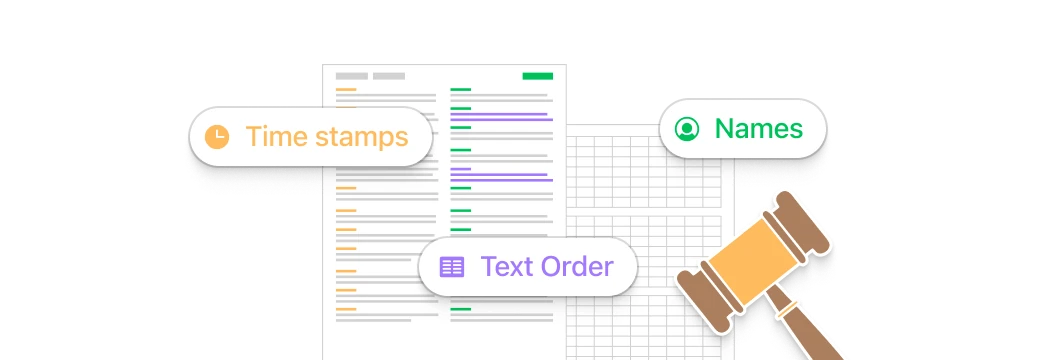
即將開庭
律師需要你 2022 年以來的每一則簡訊。選好日期,匯出一份清楚的 PDF。
想從頭讀起
iPhone 往回捲不了那麼遠。在電腦上打開對話,從第一則訊息開始讀。
iPhone 儲存空間不足
群組對話的照片塞滿了你的手機。把所有附件儲存成 ZIP。
商務紀錄
你靠簡訊經營生意。把每一則訊息匯出成試算表。
留住回憶
把與重要的人的簡訊,保存成屬於你自己的副本。
找到那則訊息
多年前有人傳給你一個地址。幾秒鐘搜遍整個歷史紀錄。
別只聽我們說
 TextPort for Mac 在 Mac App Store 的評分為 4.9
TextPort gave me something I thought I wouldn’t be able to get
After meeting my biological brother for the first time in 48 years, our text conversations became some of the most meaningful memories I've ever had. We texted so much over the past year, than when I wanted to go back...
Fantastic app—it did everything I needed it to do
I lost my partner of 5 years and there was really no way to go back and read everything we had written since the beginning of our relationship until I used TextPort. The software was able to take all of the messages...
Great App
I tried a few other apps but they were either intrusive or overly complex. My goal is to keep records of older iMessages for general purposes (non-legal or other more serious purposes). I saved to PDF and can easily...
常見問題
需要匯出 WhatsApp、Instagram 或 Messenger?請使用 TextPort for iPhone。 正從 iMazing 或 CopyTrans 轉換過來?看看 TextPort 的比較。
-
安裝 TextPort,接上 iPhone 並輕點「信任」。TextPort 會將 iPhone 備份到你的電腦,接著你選擇對話,匯出為 PDF、CSV 或文字檔。
-
你需要 Apple Devices(舊版 Windows 10 則為 iTunes),這是 Apple 的免費 App,可讓 Windows 與 iPhone 溝通。TextPort 會自動偵測,並帶你完成設定。
-
可以。如果 Apple Devices 或 iTunes 已將 iPhone 備份到這台電腦,只要備份未加密,TextPort 就會列出該備份,不需要再次備份即可開啟。
-
可以。匯出 PDF,再用任何 PDF 閱讀器列印。每一頁都附有姓名和時間戳記。
-
不是。TextPort 讀取並匯出 iPhone 上現有的訊息。若要在電腦上收發 iMessage,請使用微軟的 Phone Link。
-
TextPort 讀取未加密的備份。它會幫你檢查 iPhone,若已開啟加密,會一步步帶你關閉。這會用到你的備份密碼。
-
會。TextPort 會將對話中的照片、影片和其他附件打包成 ZIP,放在對話紀錄旁邊。
-
不會。TextPort for Windows 在你的電腦上讀取並匯出訊息。不需要帳號,你的訊息不會離開你的電腦。
全部訊息歷史,一鍵匯出
支援 Mac 和 Windows,免註冊帳號。