
5 best apps to transcribe text messages from iPhone in 2026
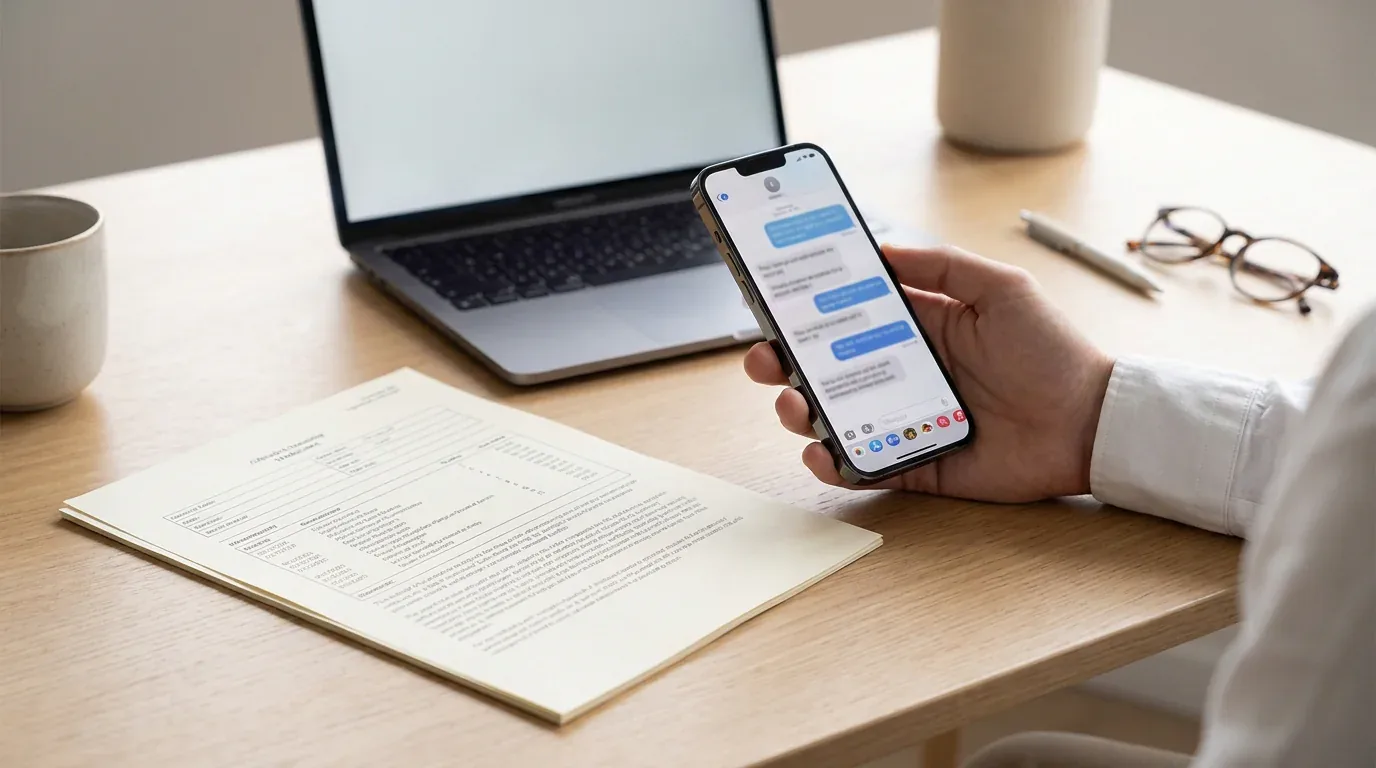
Apple does not give you a built-in button to turn a conversation into a searchable, shareable document. Whether you need a formatted record for court, a custody dispute, a workplace investigation, or just a personal archive, you need a third-party tool. The options range from iPhone-native apps that work without a computer to desktop software that reads directly from your iTunes backup.
Here is a breakdown of the five most reliable apps for the job, with their real strengths and limitations noted.
1. TextPort, best for iPhone-only, no computer needed
TextPort works entirely on your iPhone, no cable, no computer, no iTunes backup required. The workflow is simple: pick a conversation and TextPort pulls it straight out of iMessage, preserving sender names, timestamps, and the original order, and packages the result as a formatted PDF, CSV, or plain text file.
It supports iMessage and SMS as well as third-party apps including WhatsApp, Facebook Messenger, Instagram DMs, Telegram, and Signal. That universal coverage is its main edge over the desktop tools listed below, which are generally limited to iMessage and SMS from an Apple backup.
Exports are formatted for printing, legal filings, and sharing. There is no cap on message volume, and step-by-step guidance makes the process straightforward for non-technical users. For time-sensitive situations, harassment claims, custody disputes, workplace investigations, having a tool that runs on the device you already have is a practical advantage.
For more on the export formats available, see export iPhone text messages to PDF.
Desktop option: TextPort also has two desktop apps for iMessage and SMS. TextPort for Mac reads the Messages already on your Mac (turn on Messages in iCloud to get your iPhone's full history), with no cable and no backup. TextPort for Windows backs up your iPhone over USB through Apple's Apple Devices app or iTunes, or opens a backup already on the PC. Both export many conversations at once to PDF, CSV, or TXT, plus a ZIP of attachments, with no account and nothing uploaded. Third-party apps like WhatsApp still need the iPhone app.
2. iMazing, best desktop option for full iPhone management
iMazing is Mac and Windows software that connects to your iPhone via USB or Wi-Fi and creates a local backup. From that backup, it can export iMessage, SMS, and RCS conversations to PDF, CSV, HTML, or its own RSMF format. It is accurate, retains metadata, and the output holds up well for formal documentation.
The trade-off is scope: iMazing is a full device management platform, and message export is one feature among many. Pricing is around $44.99 per device for a one-time license or via annual subscription. It is a solid choice when you need to export an entire iMessage history at once from a Mac or PC, but it will not read WhatsApp or other third-party app messages from an Apple backup.
For a direct comparison, see the iMazing alternative overview.
3. Decipher TextMessage, best for focused iMessage/SMS export on desktop
Decipher TextMessage is desktop software for Mac and Windows priced at around $29.99 as a one-time license. It reads directly from an iTunes or Finder backup of your iPhone and displays your complete iMessage and SMS history. From there, you can export any conversation as a PDF, CSV, HTML, or plain text file.
The setup is straightforward, and the software has been around long enough to have a solid reputation for reliability. A free trial is available with no expiry. The main limitation: it is strictly iMessage and SMS. Third-party messengers like WhatsApp, Instagram, Telegram, and Signal are stored outside the standard Apple backup format and are not accessible through Decipher TextMessage.
4. TouchCopy, best for Windows users who want a broader feature set
TouchCopy from Wide Angle Software connects to your iPhone and lets you export SMS, MMS, iMessage, and some third-party app messages, notably WhatsApp and LINE, to PDF, with dates, timestamps, and images included. It runs on both Mac and Windows.
Like iMazing, it covers more than just messages. Music, photos, and voicemails are also accessible. The message export functionality is reliable for iMessage and SMS. WhatsApp support requires WhatsApp to be installed on the same device with a backup accessible. It is a reasonable pick for Windows users who want one tool to handle multiple transfer tasks, and is available for around $39.99 as a one-time purchase.
5. CopyTrans Contacts, best for Windows-only users on a budget
CopyTrans Contacts is a Windows application that, alongside managing contacts and calendars, lets you export iPhone text messages to PDF or other formats. It connects your iPhone to your PC via USB and pulls message data from your device directly. There is no Mac support.
It is a narrower tool than iMazing or TouchCopy, but it covers the basics well. Message exports include timestamps and sender names, making it usable for printing or simple archiving. It works as part of the broader CopyTrans suite, so if you are already a CopyTrans user for other iPhone management tasks, it is a convenient addition. No subscription is required for message export features.
How to choose the right tool
The apps above each fit a different set of constraints:
- No computer available -> TextPort, for iPhone-only export from any messaging app.
- Need to export third-party apps like WhatsApp, Instagram, or Telegram -> TextPort.
- Full iMessage/SMS history from a Mac or PC -> TextPort for Mac or TextPort for Windows, iMazing, or Decipher TextMessage.
- Windows user needing broader device management -> TouchCopy or CopyTrans.
- Legal or formal documentation -> any tool that preserves timestamps and sender names; TextPort's print-ready PDF export is purpose-built for this.
For most iPhone users who need a quick, readable export without setting up desktop software, TextPort is the most direct path. For users with an existing Mac workflow who want to pull an entire iMessage history in one session, TextPort for Mac exports every conversation at once, and iMazing or Decipher TextMessage are reliable desktop alternatives.
Whatever the use case, make sure the output you choose preserves timestamps and sender names. Those two elements are what turn a conversation transcript into a document that can actually be used as a record or legal reference.

Start exporting your messages
Available for iPhone, Mac, and Windows. No computer required.
