
6 best apps to print text messages for court (iPhone, 2026)
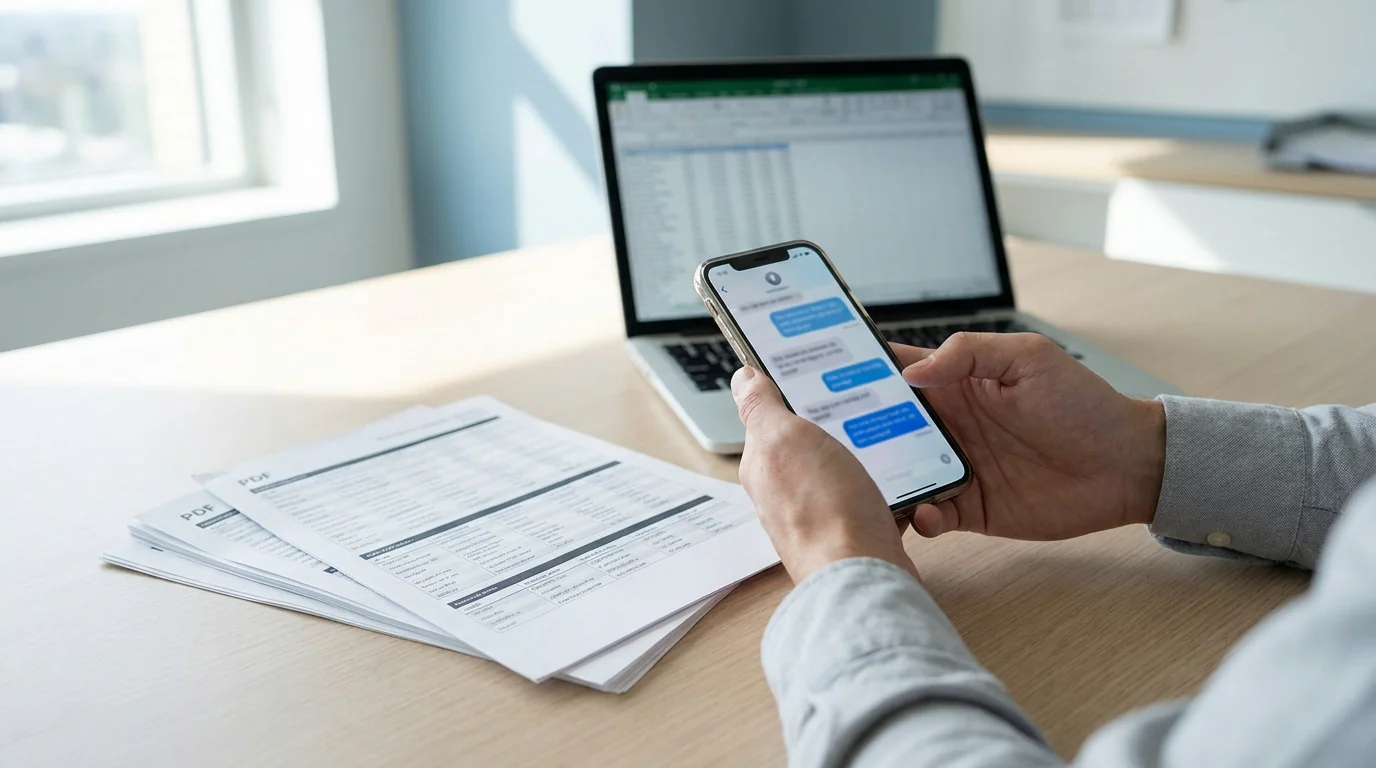
Text messages have become common evidence in custody disputes, harassment claims, small-claims filings, and workplace investigations. In TextPort's 2026 national survey, 38% of U.S. adults said texts or DMs had been used in a legal, workplace, or other formal proceeding they were personally involved in. But getting them off your iPhone and into a format a judge will actually accept, such as a clean PDF with timestamps, sender names, and an unbroken thread, isn't something the built-in Messages app handles on its own.
The apps below each take a different approach. Some require a computer and a USB cable. Others work directly on your iPhone without any desktop software. Before submitting anything to court, confirm formatting requirements with your attorney, as standards vary by jurisdiction. Here's what each tool actually does.
What courts need from exported text messages
A printed screenshot rarely holds up. It can be cropped, altered, or missing timestamps. For a text message export to be taken seriously as evidence, it typically needs to show:
- Sender and recipient names or phone numbers on every message
- Exact date and time for every message in the thread
- Complete, unbroken conversation without gaps
- Original message order preserved throughout
A properly exported PDF satisfies all four of these. You can read a full breakdown of what gets challenged in court in the export text messages for court guide.
How self-exported messages get authenticated
No consumer app produces a "court-certified" export, because no such certificate exists. Courts authenticate text messages through testimony, not through software. Under Federal Rule of Evidence 901, the standard is evidence "sufficient to support a finding that the item is what the proponent claims it is," and for text messages that finding rests on a person: you testify that you exported the conversation from your own phone and have not altered it. A forensic firm's report enters evidence the same way, through its examiner's testimony.
Attorneys authenticate self-exported message PDFs with a short, repeatable workflow:
- Capture the complete thread. Include the parts that don't help your case. Selective exports draw objections; complete ones rarely do.
- Keep the source. The original conversation stays on your phone, and any source files (a WhatsApp export, screenshots from other apps) stay on a backup drive. If opposing counsel questions the PDF, the untouched source shows the same messages, in the same order, on the actual device.
- Export without editing. Produce the PDF and leave it alone. Per-message timestamps, sender names, and unbroken order are the "distinctive characteristics" courts weigh under Rule 901(b)(4), alongside reply chains, known phone numbers, and details only the real sender would know.
- Add a short affidavit if your attorney asks. Many jurisdictions accept a one-paragraph sworn statement that you exported the messages from your own device and have not changed them. Attorneys keep templates for this.
Family-law and civil attorneys handle self-exported message PDFs routinely: custody schedules, harassment patterns, landlord disputes, unpaid-loan claims in small claims court. Forensic extraction is reserved for the rare case where authenticity itself is disputed, such as alleged fabrication or deletion, and even then the record is established by a person under oath explaining how it was made. Keeping your source files alongside the export puts you in the same position at a fraction of the cost.
1. TextPort — best for iPhone users without a computer
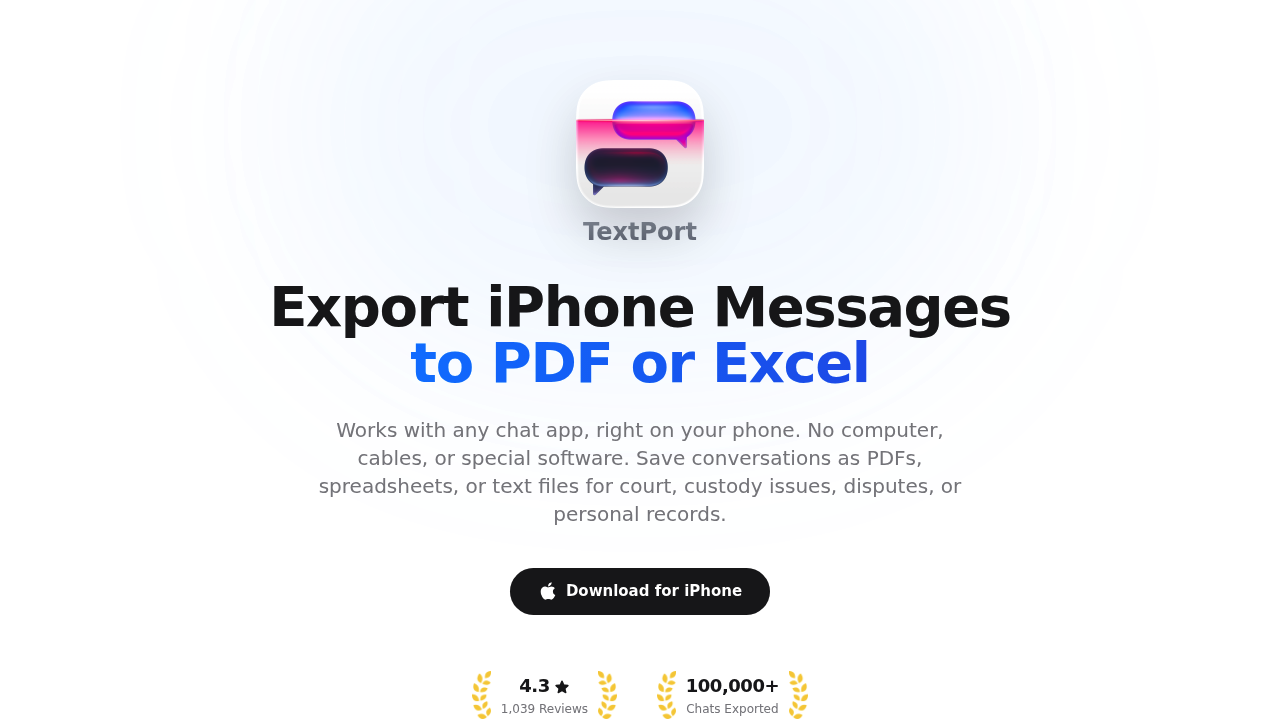
Platform: iPhone/iPad (iOS app) | Requires computer: No | Export formats: PDF, CSV, TXT
TextPort is purpose-built for iPhone users who need a print-ready export without hooking a phone up to a computer. Pick a conversation and TextPort pulls it straight out of iMessage — with sender names, timestamps, and message order intact — then exports it as a formatted PDF. It holds a 4.3 out of 5 rating across more than 1,000 App Store ratings in 41 countries (as of June 2026).
The key advantage over desktop tools is coverage. It works with iMessage, SMS, WhatsApp, Instagram DMs, Facebook Messenger, Telegram, Signal, and any other app on your iPhone. Desktop tools generally can't touch third-party messengers without workarounds. There's no limit on the number of conversations or messages exported.
Outputs are paginated and labeled — each message shows sender, date, and time — which aligns with what attorneys and courts expect from a print-ready text message PDF.
Best for: iPhone users needing exports from WhatsApp, Instagram, Telegram, or any app that desktop tools don't support.
Desktop option: for iMessage and SMS histories on a computer, TextPort has two desktop apps that produce the same per-message sender, date, and time layout. TextPort for Mac reads the Messages already on your Mac (turn on Messages in iCloud to get your iPhone's full history), with no cable and no backup. TextPort for Windows backs up your iPhone over USB through Apple's Apple Devices app or iTunes, or opens a backup already on the PC. Both export many conversations at once to PDF, CSV, or TXT with a date range, plus a ZIP of attachments. No account, and nothing is uploaded.
2. iMazing — best desktop option for iMessage and SMS
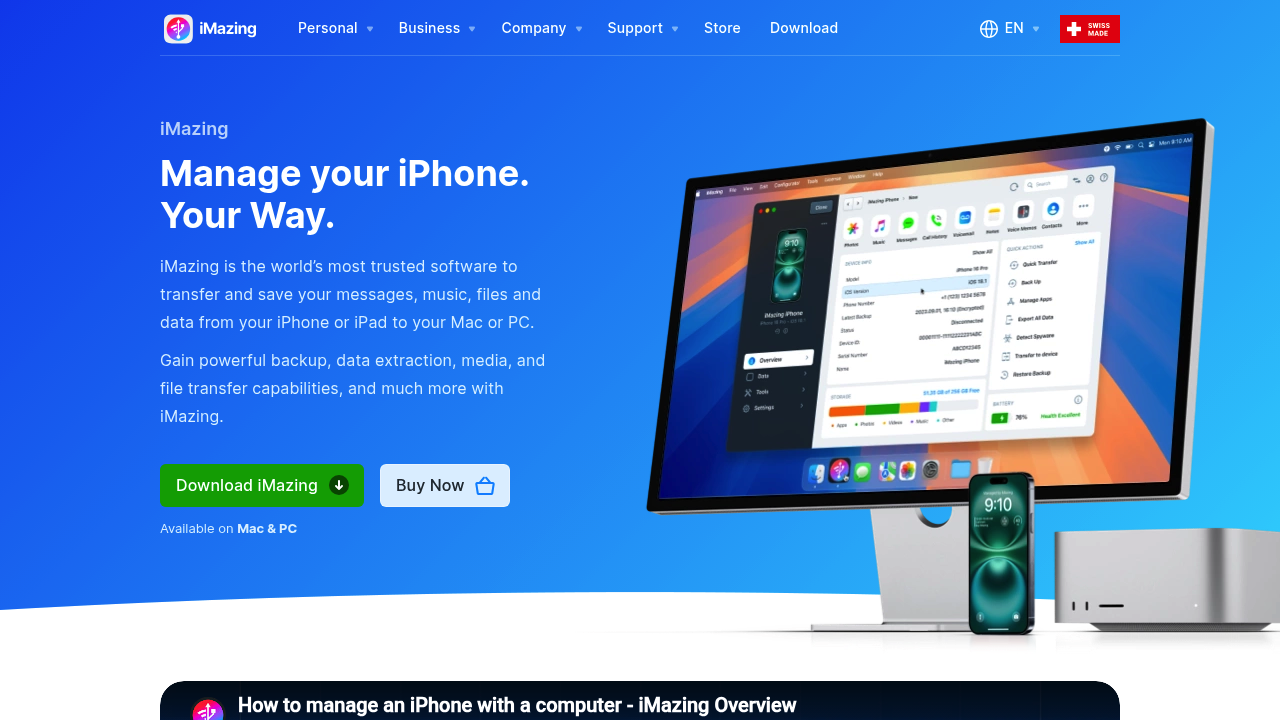
Platform: Mac and Windows desktop | Requires computer: Yes | Export formats: PDF, CSV/Excel, TXT, RSMF
iMazing is a full iPhone device manager that also exports messages. It reads directly from your iPhone's backup, produces PDFs that retain the chat-bubble layout from the iOS Messages app, and includes per-message timestamps and metadata. The business tier supports digitally signed PDFs, which can help establish chain of custody in more formal legal settings.
Pricing starts at $39.99/year for a personal subscription (up to 5 devices) or $59.99 as a one-time purchase. The free trial limits exports to 25 items. iMazing works reliably for iMessage, SMS, and WhatsApp — though WhatsApp exports require an iTunes backup created with encryption disabled.
The downside: iMazing doesn't handle Instagram DMs, Telegram, Signal, or most other third-party apps. It's also a broader tool than most people need if message export is the only goal. If you want a straightforward iMazing alternative focused on iPhone message export, TextPort handles third-party apps without the extra features.
Best for: iMessage and SMS exports on Mac or Windows with a polished PDF output.
3. Decipher TextMessage — focused desktop tool for iPhone texts
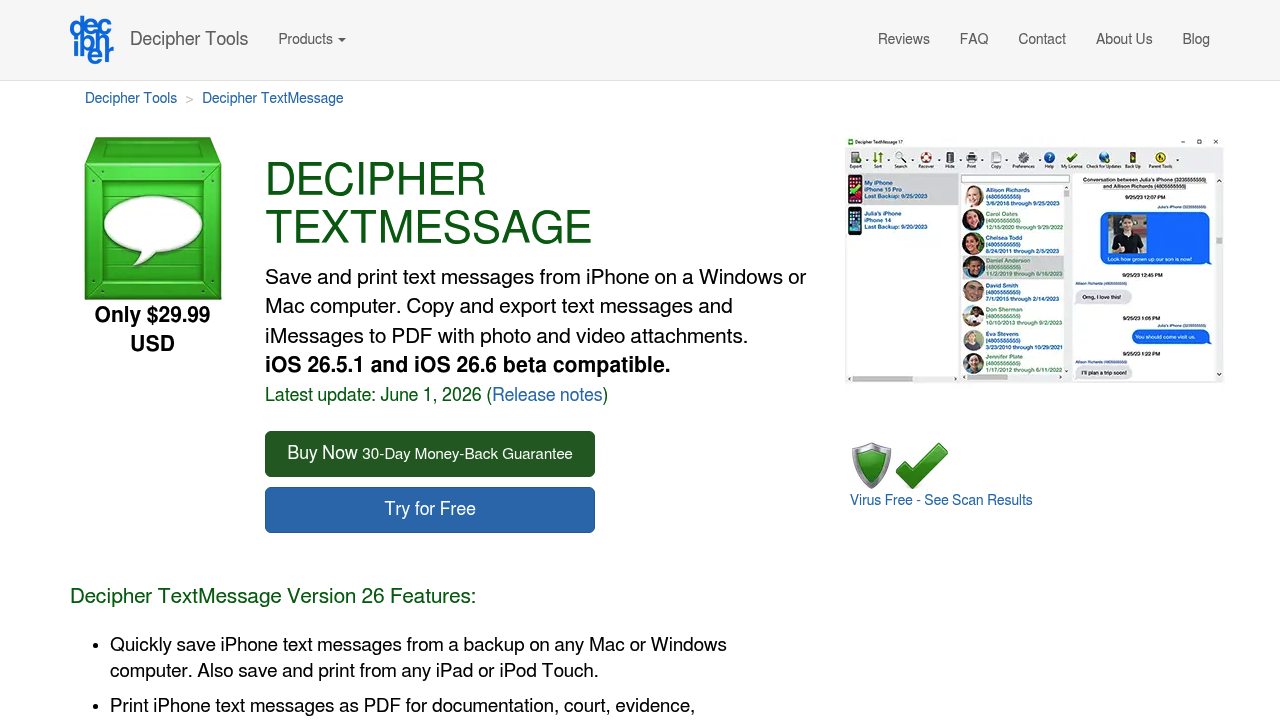
Platform: Mac and Windows desktop | Requires computer: Yes | Export formats: PDF, CSV, TXT, HTML
Decipher TextMessage is a desktop app that reads iPhone backups and exports iMessage and SMS conversations to PDF with timestamps on every message. At $29.99 as a one-time purchase (covering two devices), it's the least expensive desktop option here. The free trial lets you preview messages but restricts actual exports.
The PDF output is clean and readable. A date-range filter lets you export just the messages relevant to a specific time period rather than an entire conversation history. U.S.-based customer support and a money-back guarantee are also included.
Like iMazing, Decipher TextMessage only reads Apple's native backup — so it covers iMessage and SMS but not WhatsApp, Telegram, Instagram DMs, or Signal. If your evidence is in one of those apps, it won't help. The Decipher TextMessage alternative comparison covers the specific gaps in detail.
Best for: Budget-conscious users who only need iMessage or SMS exports from a desktop app.
4. TouchCopy — Windows-first option with print support
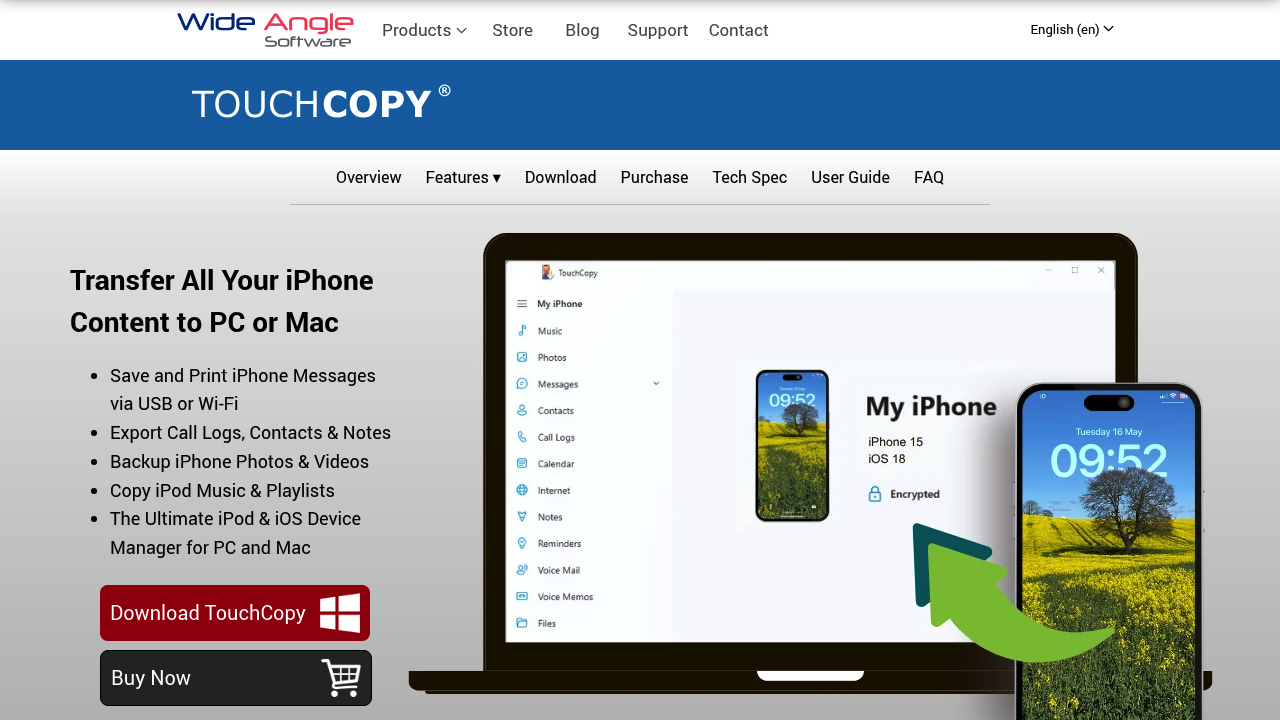
Platform: Mac and Windows desktop | Requires computer: Yes | Export formats: PDF, HTML, print directly
TouchCopy from Wide Angle Software connects to your iPhone via USB and lets you browse, export, and print conversations. It's one of the few desktop tools with a direct print option — rather than exporting to PDF first — which some users find convenient. According to Wide Angle Software's documentation, the output includes dates, times, and contact details as required for court submissions.
It covers iMessage and SMS. Third-party app support is limited, and like the other desktop tools, it can't parse WhatsApp or Instagram conversations stored outside Apple's backup system. There's a free demo available; full exports require a paid license. The TouchCopy alternative page outlines where it falls short compared to a mobile-first approach.
Best for: Windows users who want to print iPhone texts directly without converting to PDF first.
5. macOS Messages app — free method for iMessage on Mac
Platform: Mac | Requires computer: Yes (Mac only) | Export formats: PDF (via print dialog)
If your messages sync to a Mac through iCloud, you can export them for free using the built-in Messages app. Open the conversation, scroll to load the full thread, select File > Print, and save as PDF.
The limitations are significant. This only works for iMessage and SMS — no third-party apps. The PDF output doesn't always include consistent per-message timestamps in a format attorneys expect. And if your iPhone isn't synced to a Mac, this method isn't available at all. It works for informal personal records but may not meet court standards without additional steps. On the same Mac, TextPort for Mac reads the synced Messages history and exports the whole thread, with sender, date, and time on every message, without scrolling back first.
Best for: Quick personal archives of iMessage threads when a Mac is already available and court submission isn't a hard requirement.
6. Legal Text Collector — Android-focused option
Platform: Android | Requires computer: No | Export formats: PDF
Legal Text Collector is designed specifically for Android users who need print-ready PDFs. It converts SMS threads into formatted PDF documents with timestamps and contact information. For Android users, it fills a gap that most of the iPhone-focused tools above don't address.
iPhone users won't get much use from it, but if you're dealing with evidence from an Android device or need to document conversations between both platforms, it's worth noting.
Best for: Android users looking for a dedicated court-document export tool.
Which app should you use?
The right choice depends mainly on two things: where your messages live, and whether you have a computer available.
| Situation | Recommended tool |
|---|---|
| Evidence in WhatsApp, Instagram, Telegram, or Signal | TextPort |
| iMessage/SMS export, Mac or PC available | TextPort for Mac or Windows, iMazing, or Decipher TextMessage |
| Windows-only setup, want direct print option | TouchCopy |
| iMessage on Mac, no budget, informal use | macOS Messages app |
| Android device | Legal Text Collector |
For most iPhone users — especially those whose conversations are in third-party apps — TextPort covers the widest range of messengers without requiring a computer, cable, or technical setup. Whatever tool you choose, keep the original conversation on your phone and any source files alongside the PDF export. Courts may ask to verify the source, and having the original files on hand protects the integrity of the submission.
For a detailed walkthrough of the full process, the guide on how to print text messages for court from iPhone in 2026 covers each step with specific formatting recommendations.

Start exporting your messages
Available for iPhone, Mac, and Windows. No computer required.
