

How to show newest or oldest messages first on Mac
Mac
3 steps
·
Updated
Quick answer
In TextPort for Mac:
- Click the chat in the list on the left.
- Click Message Order (two arrows) in the toolbar.
The order flips. Click it again to flip it back.
What you need
- ✓TextPort for Mac, set up with Messages access
Steps
-
Click the chat
It is in the list on the left. Its messages show on the right.

-
Click Message Order
It is the button with two arrows, at the left of the toolbar buttons. The messages flip.

-
Check the order
Look at the dates at the top of the chat. Click the button again to flip back.
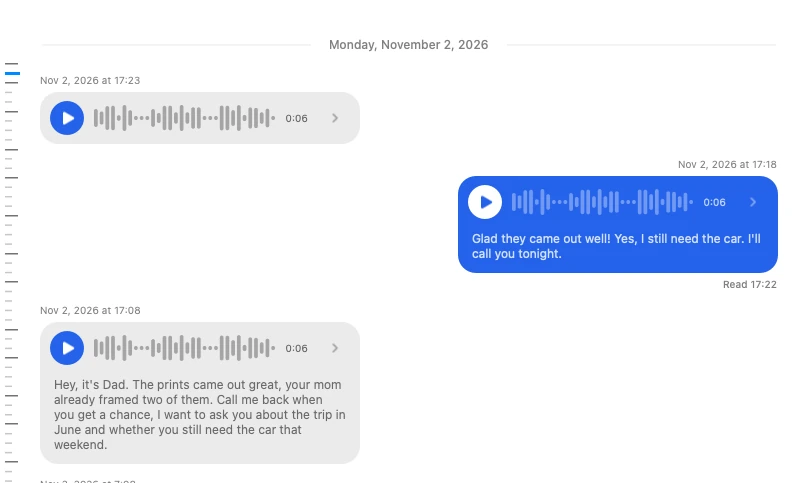
Done
The chat shows messages in the order you picked.
Problems
What you seeWhat to do
None of these match.
Email [email protected]. Say which step you were on. Say what you saw. We usually reply within a day.
Questions
-
Yes. It stays for every chat until you change it.
-
Yes. PDF, spreadsheet, and text exports and printouts use the order you picked.



Start exporting your messages
Available for iPhone, Mac, and Windows. No computer required.
