Dispute Buddy Review (2026): Price, Features, and Court Use
If you are getting text messages ready for a family court case, you may have seen ads for Dispute Buddy. This review covers what it is, how it works, what it costs in each country, how its AI behaviour analysis handles your messages, and where TextPort does the same job for free or without a computer.
The short answer: Dispute Buddy is a US$249 Mac and Windows app built for family law. It reads an iPhone over a cable, plus Facebook, Instagram, Outlook and co-parenting app records, and turns the messages you choose into one PDF, with an optional AI analysis of the other person's behaviour. If you need all of that in one report, it is the only tool we have compared that does it. If you need the conversation itself, TextPort for Mac and TextPort for Windows export it for free, and the TextPort iPhone app does it on the phone in minutes.
What Dispute Buddy is and who makes it
Dispute Buddy is a desktop app for macOS 12 Monterey or later and Windows. It is made by Dispute Buddy Australia Pty Ltd. The founder, Jenny Rudd, built it after spending around 20 hours screenshotting texts for her own family court case, as she tells it on the company's story page. It took its first customer in May 2025.
It is aimed squarely at people going through separation, custody disputes and domestic abuse cases, and at their lawyers. The company has a page for lawyers that suggests they send the link to clients, who pay for the app and then send the lawyer the PDF.
How Dispute Buddy works: from iPhone to PDF
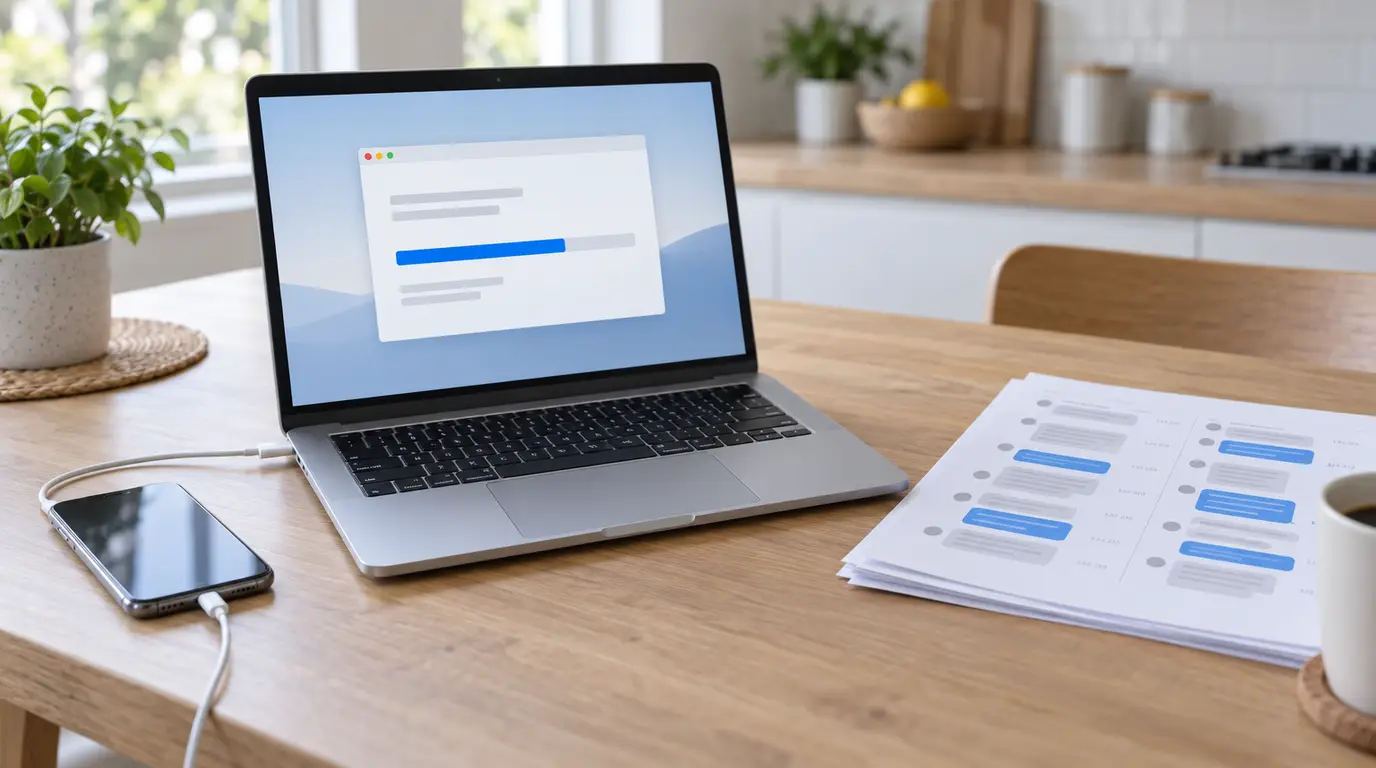
You download the app on a Mac or PC, enter the email address you bought it with, and connect your iPhone with an Apple cable. Dispute Buddy then "encrypts and indexes" the phone's messages, in its words. Per its help centre:
- It takes about an hour on average, and two hours or more for some phones. Keep the phone plugged in and the computer on power until the app says it is safe to unplug.
- It needs free space on both devices, around 20 GB on the iPhone and 20 GB on the computer. If the phone runs out near the end, the process can reach 99% and start again.
- The index stays on the computer. Next time, reconnecting the iPhone unlocks it in a moment. If you need newer messages, you re-index, which takes the full hour again.
Then you pick contacts and a date range, choose one of three report types, and download the PDF. You can make as many reports as you like from the same phone, and the company adds more iPhones (an old phone, a child's phone) at no extra charge if you ask support.
What Dispute Buddy can import
This is where Dispute Buddy stands out from other message export tools. It reads:
- iMessage, SMS, WhatsApp and WhatsApp Business from the connected iPhone.
- Facebook Messenger and Instagram from the data downloads Facebook and Instagram let you request, in JSON format. Facebook can take up to two days to prepare one, and Messenger needs two separate downloads to cover chats before and after its move to end-to-end encryption.
- Outlook, Hotmail and Live email, after you sign in to Microsoft. Gmail isn't available yet.
- OurFamilyWizard, AppClose and TalkingParents message report PDFs, downloaded from each service's website.
Everything you add can go into the same PDF, every message dated: emails sit in date order with your other messages, while each iPhone and each Outlook account gets its own timeline. WeChat isn't supported, and Signal and Telegram aren't listed. WhatsApp, Messenger and Instagram voice notes are marked in the report but not transcribed.
The three reports, and how the AI behaviour analysis works
Every report is a PDF, saved to your Downloads folder. Dispute Buddy offers three:
- Messages only. A chronological, searchable PDF of the messages from the contacts and dates you chose, with the sender, date and time on each.
- Messages + Messages of Interest. The same, plus a timeline of flagged messages, without an analysis write-up.
- Messages + Full Behaviour Analysis. Everything above, plus an AI analysis of patterns such as coercive control, gaslighting, emotional and financial abuse, harassment and child welfare concerns. Each flagged example links to the source message.
The last two use a "behaviour-analysis allowance" whose size the site doesn't state, and you can choose to analyse both sides of the conversation or only the messages you received. If a selection goes over the app's message or size limit, which the site also doesn't state, the app warns that older messages will be dropped.
Read Dispute Buddy's own terms before you rely on the analysis. They say the AI "may produce errors, inaccuracies, or false positives," that its output is "interpretive, not definitive," and that it is "not a psychologist, clinician, or expert witness." In a case where both sides accuse each other, a software label on the other parent's messages, or on yours, is something your lawyer should see before anyone else does.
Dispute Buddy pricing
Dispute Buddy is a one-off fee with lifetime use, not a subscription. The site prices by country. On November 19, 2026 it showed US$249 on its pricing card for a US-dollar visitor, and its regional price lookup quoted:
| Country | Price, one-off |
|---|---|
| United States | US$249 |
| United Kingdom | £189 |
| Canada | CA$349 |
| Australia | A$359 |
| New Zealand | NZ$399 |
There are no discount codes, Klarna instalments are offered in some countries, and the charge shows on your bank statement as "BUDDY APP." No free trial is listed. Refunds are decided case by case: the help centre gives paying twice or owning an Android phone as examples, and the terms promise to "consider refund requests in good faith." The terms also cap a licence at two phones, while the help centre says support adds extra iPhones for free; ask before you buy if that matters.
For comparison, TextPort for Mac and TextPort for Windows are free with no account, and the TextPort iPhone app is free to download with your first three conversations free, then a weekly, monthly or annual subscription.
Privacy: what stays on your computer
Per Dispute Buddy's privacy policy and help centre, the messages-only report is processed on your computer, and the company sees your email address, the name you put on the report, your date ranges and message counts, but not your contacts or texts. No one is notified when you export their messages.
The AI reports are different. When you choose Messages of Interest or Full Behaviour Analysis, the messages you selected go to Dispute Buddy's cloud, where they are analysed by Anthropic's AI and deleted when the analysis is done. The policy says the company doesn't keep message content or use it to train AI.
One practical point: the encrypted index of your iPhone's messages stays on the computer after you close the app, so you can make more reports later. On a shared or work computer, delete it yourself when you are done, as the help centre advises.
Using Dispute Buddy for court
Dispute Buddy's PDF puts each message in date order with its sender and time, which is what a lawyer and a judge need to follow a long conversation. The company is careful in its terms: its reports "are not guaranteed to be admissible in court," "are not certified evidence," and "may require verification, formatting, or expert interpretation."
That is true of every consumer export tool, TextPort included. There is no court-certified export. Courts authenticate text messages through testimony: you say the export came from your phone and was not altered, and a complete, dated record with the original conversation kept on the phone backs that up. See how to authenticate text messages for court for what that looks like at a hearing.
What Dispute Buddy can't do
- No phone-only option. You need a Mac or Windows computer for every report. If you only have your phone, it isn't usable.
- No Android text messages. Phone messages come from an iPhone only.
- No deleted messages. It can't recover the content of deleted or unsent messages, and messages kept only in iCloud must be on the iPhone first.
- PDF only. There is no CSV or plain-text export for sorting or searching a long thread outside a PDF reader.
- Not every app. No WeChat, and nothing listed for Signal, Telegram or Gmail.
- An hour or more before the first report, every time you need newer iPhone messages.
Dispute Buddy vs TextPort
Dispute Buddy and TextPort overlap on the core job, a clean PDF of your messages with the sender and time on each, and differ on almost everything around it.
On a Mac. TextPort for Mac is free and reads the Messages already on your Mac, so there is nothing to plug in and no hour-long wait. It exports one conversation or all of them to PDF, CSV or TXT.
On a Windows PC. TextPort for Windows is free from the Microsoft Store. It backs up the iPhone over USB and shows the first messages in about 10 minutes, or opens a backup already on the PC.
With only your iPhone. The TextPort iPhone app needs no computer. Pick a conversation and the dates, and it pulls the messages straight out of Messages, word for word. WhatsApp chats come in from WhatsApp's own Export Chat file, and Messenger, Instagram, Signal, Telegram and other apps from a screen recording that you can correct before exporting. On iOS 26 or later, voice messages are transcribed on the phone and printed under each one.
What TextPort doesn't do. It doesn't read email or co-parenting app reports, it exports one conversation at a time rather than merging sources, and it has no behaviour analysis. Its Messenger and Instagram imports are transcribed from the screen, where Dispute Buddy reads the data downloads directly.
For the device-by-device breakdown, see Dispute Buddy vs TextPort, and for other options, the Dispute Buddy alternatives page.
Verdict: Dispute Buddy or TextPort
Dispute Buddy is a focused, family-law tool that does something none of the other export tools we have reviewed do: it pulls texts, WhatsApp, Messenger, Instagram, email and co-parenting app records into a single report and, if you want, adds an AI first pass for patterns of abuse. That is worth $249 to some people, especially when a lawyer bills by the hour. If you need the conversation itself as a clean, dated record, TextPort does that for free on a computer, or on your iPhone with no computer at all.
| If you... | Best pick |
|---|---|
| Need texts, email and co-parenting app records in one report | Dispute Buddy |
| Want an AI first pass for patterns of abuse | Dispute Buddy |
| Have a Mac and need your iMessage or SMS history | TextPort for Mac (free) |
| Have a Windows PC and an iPhone | TextPort for Windows (free) |
| Have only your iPhone, or need the chat today | TextPort |
| Need Signal, Telegram or another app Dispute Buddy doesn't read | TextPort |
| Want CSV or TXT as well as PDF | TextPort |
Frequently asked questions
-
Yes. It is sold by Dispute Buddy Australia Pty Ltd, founded by Jenny Rudd after she spent around 20 hours screenshotting texts for her own family court case. It took its first customer in May 2025 and says people in the US, UK, Australia and New Zealand have used it. It is a working product with human support by live chat, email and WhatsApp, and a young one, launched in 2025.
-
Dispute Buddy is a one-off purchase with lifetime use. On November 19, 2026 its site showed US$249 for US visitors, and quoted £189 in the UK, CA$349 in Canada, A$359 in Australia and NZ$399 in New Zealand. There are no discount codes and no free trial is listed, though Klarna instalments are offered in some countries. If you only need your iMessage and SMS conversations, TextPort for Mac and TextPort for Windows export them for free.
-
It can be, if your case needs what only it does: texts, WhatsApp, Messenger, Instagram, Outlook email and OurFamilyWizard, AppClose or TalkingParents records in one report, or an AI first pass that flags possible patterns of abuse for your lawyer. If you just need the conversation with one person as a clean, dated record, you are paying $249 for a job free tools do.
-
It runs on a Mac or Windows computer, not on a phone. For text messages it reads an iPhone connected by cable; it cannot read an Android phone's messages and has no Android release date. Facebook and Instagram downloads, Outlook email and co-parenting app reports work without a phone. If you only have an iPhone, the TextPort iPhone app exports a conversation on the phone itself.
-
Mostly. The messages-only report is built on your computer, and the company says it can't see your contacts or texts. If you choose one of the two AI reports, the messages you selected are sent to its cloud, analysed by Anthropic's AI and then deleted, according to its privacy policy. The encrypted index of your iPhone's messages stays on the computer after you close the app, which matters on a shared or work computer.
-
Yes. It imports OurFamilyWizard Messages Report PDFs, AppClose Records Export PDFs and TalkingParents Complete Message Record PDFs, on their own or alongside your iPhone messages. You download each report from the co-parenting service's website first. TextPort doesn't import these reports.
Start exporting your messages
Available for iPhone, Mac, and Windows. No computer required.