

How to finish or discard an unfinished recording
Quick answer
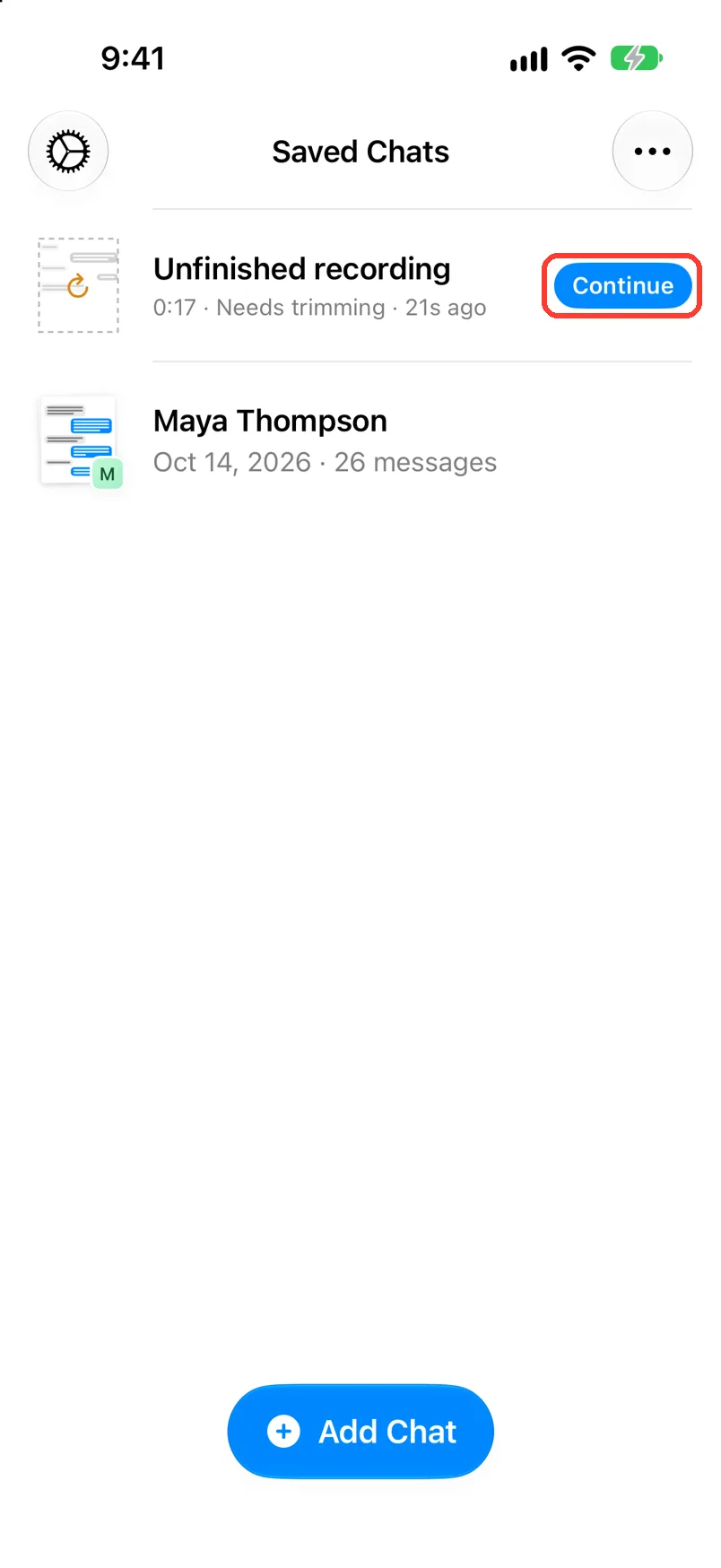
In Saved Chats, find Unfinished recording.
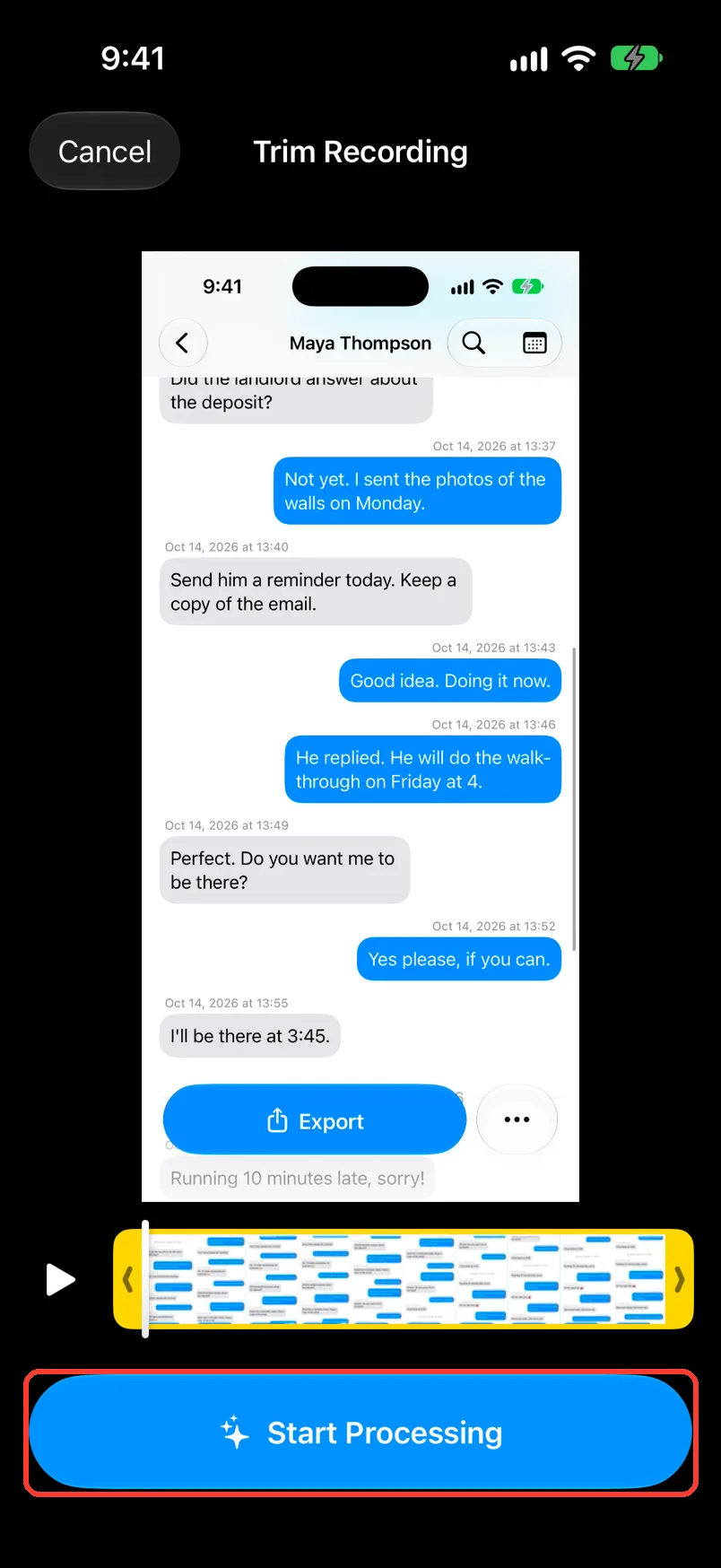
- To finish it, tap Continue. Then tap Start Processing if Trim Recording opens.
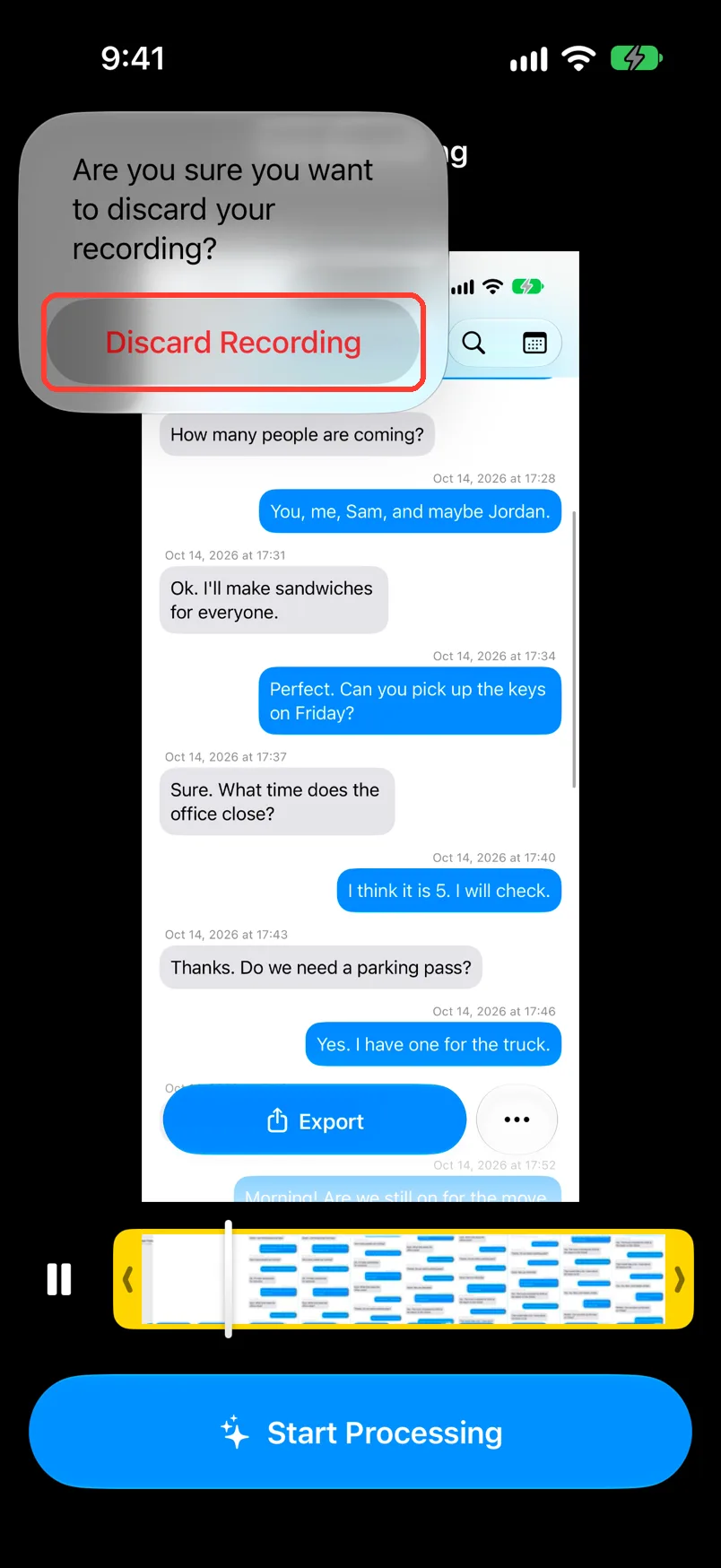
- To delete a row that says Needs trimming, tap Continue, then Cancel, then Discard Recording.
- To delete any other row, tap the gear, then Your Data, then Screen Recordings. Swipe it left and tap Delete.
TextPort deletes an unfinished recording by itself after 30 days.
What you need
- ✓TextPort on your iPhone
- ✓A row that says Unfinished recording in Saved Chats
Steps
Finish it
-
Tap Continue
It is on the Unfinished recording row. The row also says how far the recording got.
-
Tap Start Processing
Trim Recording opens if the row said Needs trimming. Otherwise TextPort goes on by itself. See Trim a recording.
Delete it
-
Tap Continue
The row must say Needs trimming. TextPort may save the recording first. Then Trim Recording opens.
If the row says something else, see delete it in Your Data.
-
Tap Cancel
It is in the top left of Trim Recording. TextPort asks Are you sure you want to discard your recording?
-
Tap Discard Recording
The recording is deleted.
-
Check Saved Chats
The row is gone. A finished recording is now a chat in the list.
Done
The recording is now a chat in Saved Chats, or it is deleted.
Problems
Recording Couldn't Be Recovered
The video did not save in full, or your iPhone is full. Tap Discard Recording, then record the chat again. Or tap Keep for Later, free up space, and tap Continue again.
The row says Not uploaded or Upload stopped.
Check that your iPhone is online. Tap Continue. TextPort sends the recording again.
The row says Almost done.
Tap Continue. TextPort finishes the last step.
Couldn't import this chat
Check your internet. Tap Retry. If you tap Dismiss, the row stays in Saved Chats.
You cannot see the row.
The row shows only in All. Tap All in the folder bar.
You want to delete a row that does not say Needs trimming.
Tap the gear, then Your Data, then Screen Recordings. Under Unfinished Imports, swipe the recording to the left. Tap Delete.
None of these match.
Email [email protected]. Say which step you were on. Say what you saw. We usually reply within a day.
Questions
-
You stopped a recording but did not tap Start Processing. Or the upload stopped before it was done.
-
30 days. Then TextPort deletes it.
-
No. It deletes only the recording in TextPort.
Next guides
-
 How to import a chat with Scroll Capture
You will get a chat from any app saved in TextPort, made from a screen recording of you scrolling.
-
 How to trim a recording before processing
You will cut your recording so it starts and ends on the chat, then send it to be read.
-
 How to see and delete your data
You will see which files TextPort keeps on your iPhone, and you can delete them.

Start exporting your messages
Available for iPhone, Mac, and Windows. No computer required.
