
7 Best Apps to Export Text Messages From iPhone in 2026
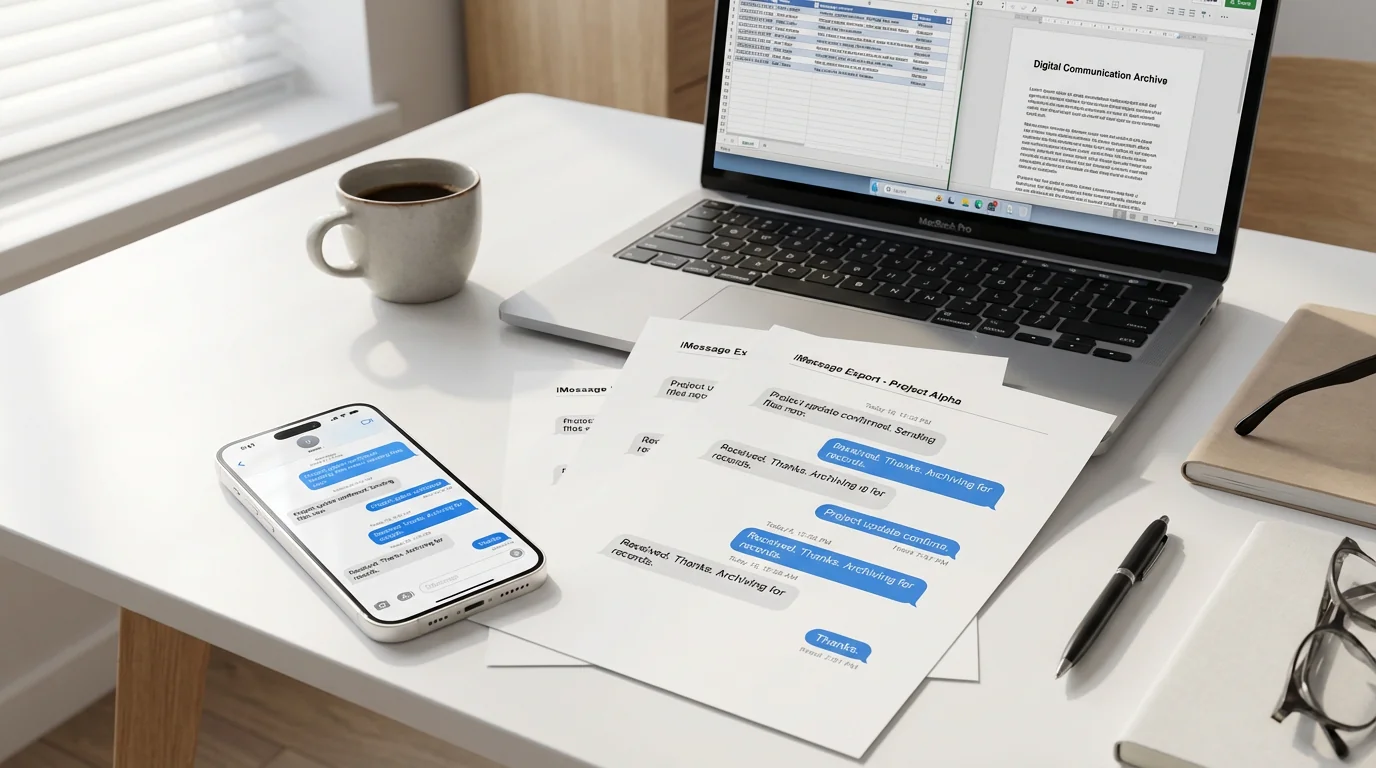
When you need to save important text conversations from your iPhone for legal documentation, business records, or personal archives, native Apple features often fall short. The Messages app does not offer direct export, and the built-in backup tools store data in formats that are not easy to access, search, or share. That is where specialized export apps come in. The following list compares seven tools that help you download text messages from your iPhone and convert conversations into usable formats like PDF, CSV, or plain text.
The short answer: TextPort is the best overall pick, because it is the only tool here that runs entirely on the iPhone itself — no computer, no cable, no backup — and it covers WhatsApp, Instagram DMs, Signal, and the other apps that desktop backup tools cannot read. The remaining six are desktop programs that earn their places for specific jobs, like flat-fee iMessage exports or e-discovery formats.
What to Look For in a Message Export App
Before choosing a tool, consider what you need from it. Export apps differ in workflow, whether they are desktop software or an iPhone app, supported formats such as PDF, CSV, TXT, and HTML, and platform coverage, whether they handle only iMessage and SMS or also third-party messengers like WhatsApp and Instagram. If you are exporting messages for court or business documentation, look for apps that preserve timestamps, sender names, and attachments. For personal archiving, ease of use and price may matter more. Desktop tools typically offer more control and can handle large message histories, while iPhone apps trade some power for convenience because no computer is required.
The seven apps at a glance
| App | Computer required | Apps covered | Export formats | Pricing model |
|---|---|---|---|---|
| TextPort | No — runs on iPhone/iPad | Any (iMessage, SMS, WhatsApp, Instagram DMs, Messenger, Telegram, Signal, and more) | PDF, CSV, TXT | Subscription; free desktop companion |
| iMazing | Mac or PC + Apple backup | iMessage, SMS, RCS, WhatsApp | PDF, Excel/CSV, TXT, HTML, RSMF | ~$29.99/year |
| Decipher TextMessage | Mac or PC + Apple backup | iMessage, SMS | PDF, CSV, HTML, TXT | ~$29.99 one-time |
| TouchCopy | Mac or PC | iMessage, SMS, WhatsApp | PDF, HTML, CSV, TXT | $28.50–$70 license |
| CopyTrans Contacts | Windows PC | iMessage, SMS | Text formats | Perpetual license |
| AnyTrans | Mac or PC | iMessage, SMS, some third-party | PDF, TXT, HTML | Subscription or license |
| iExplorer | Mac or PC | iMessage, SMS, some third-party | PDF, TXT, CSV, HTML | Lifetime license |
1. TextPort (best overall — no computer needed)
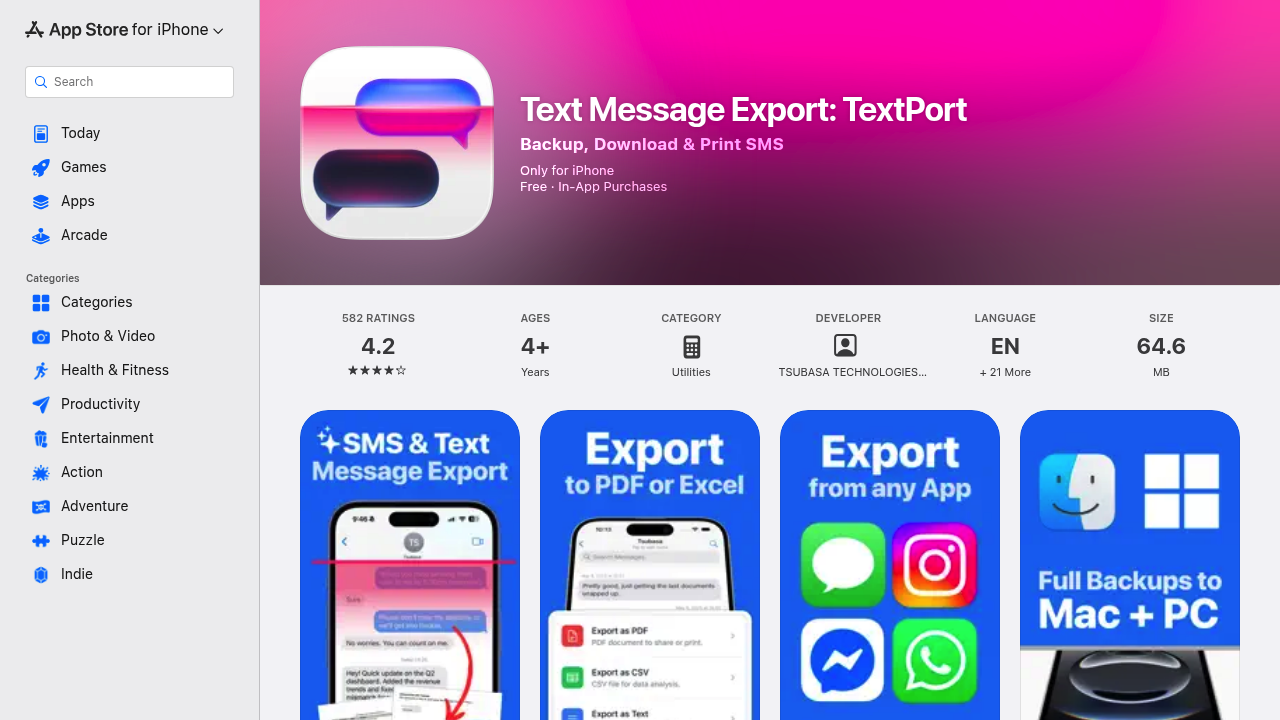
TextPort is an iPhone app that exports messages directly on your device without requiring a computer, cables, or technical setup. You can export conversations from iMessage, SMS, WhatsApp, Instagram DMs, Facebook Messenger, Telegram, Signal, and almost any other messaging platform. The workflow is simple: open TextPort, tap Import, choose the iMessage conversation and the date range you need, and TextPort pulls every message straight out of iMessage while preserving sender names, timestamps, and the original order. No screenshots, no scrolling.
The app exports to PDF, formatted and suitable for printing or legal filings, CSV for spreadsheet analysis, or plain text. It is designed for users who need fast, reliable exports for time-sensitive situations like custody disputes, harassment claims, workplace investigations, and business recordkeeping. As of June 2026, TextPort is rated 4.3 out of 5 from more than 1,000 ratings across 41 App Store storefronts. TextPort also offers a companion desktop app for Mac and Windows to export entire message histories at once.
Best for: Anyone who needs to quickly export text messages from iPhone across multiple messaging apps, especially when no computer is available.
Pricing: Available on the App Store with in-app subscription options.
2. iMazing
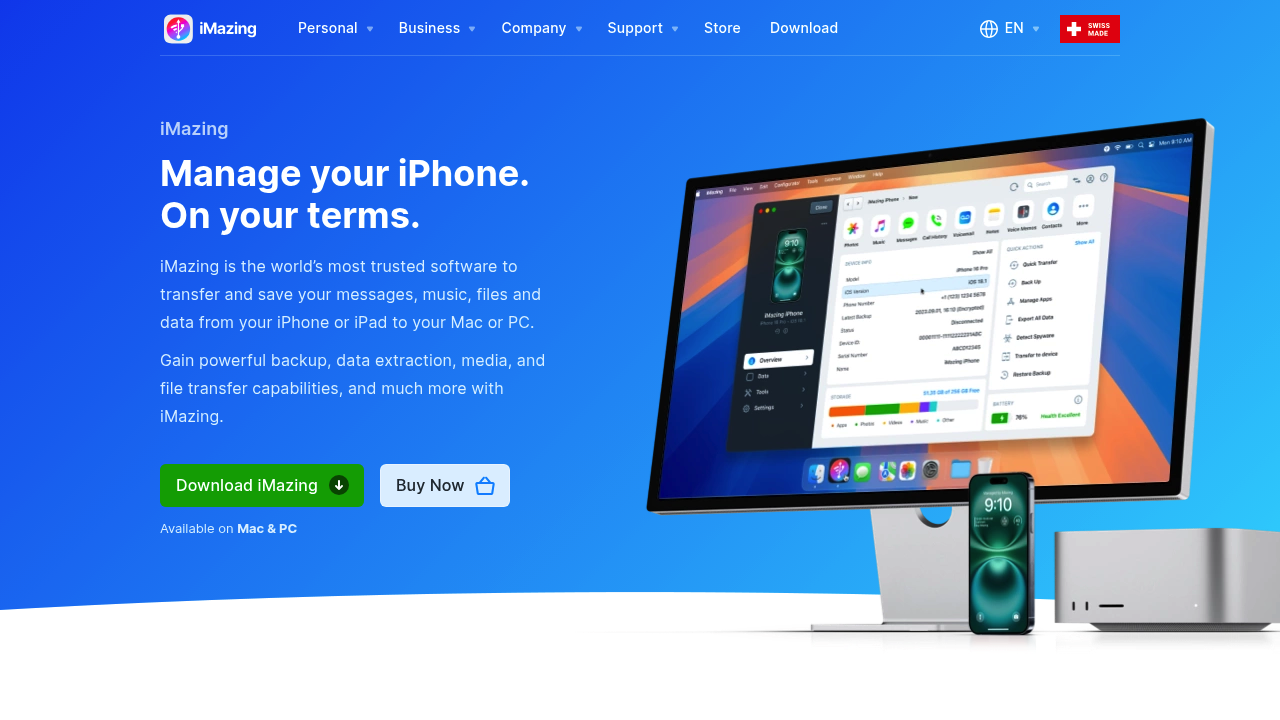
iMazing is a desktop application for Mac and Windows that manages iPhone data, with a strong focus on message exports. It supports SMS, iMessage, RCS, and WhatsApp, and can export conversations to PDF, Excel or CSV, TXT, HTML, or a proprietary format called RSMF designed for business and forensic use. The tool connects to your iPhone via USB, creates a local backup, and allows you to filter by contact, date range, or keyword before exporting.
According to iMazing's own documentation published in March 2026, the software can also extract just the attachments from messages, sign PDFs with metadata for court use, and work from existing backups, including iCloud backups in some configurations. iMazing is recognized by legal professionals for producing exports that hold up in court proceedings.
Where iMazing trades off is scope: it is a full Mac and Windows device-management suite priced for that whole scope, and its WhatsApp coverage is the only third-party app it reads — Messenger, Instagram DMs, Telegram, and Signal are not supported. If a one-conversation PDF is the whole job and you want to do it on the phone itself, the iMazing alternative for iPhone walks through the swap.
Best for: Users who need a comprehensive iOS device manager with message export capabilities and professional formatting.
Pricing: Annual subscription starting around $29.99/year for up to five devices on one Mac or PC, after iMazing switched from a one-time license in mid-2025. Free trial available.
3. Decipher TextMessage
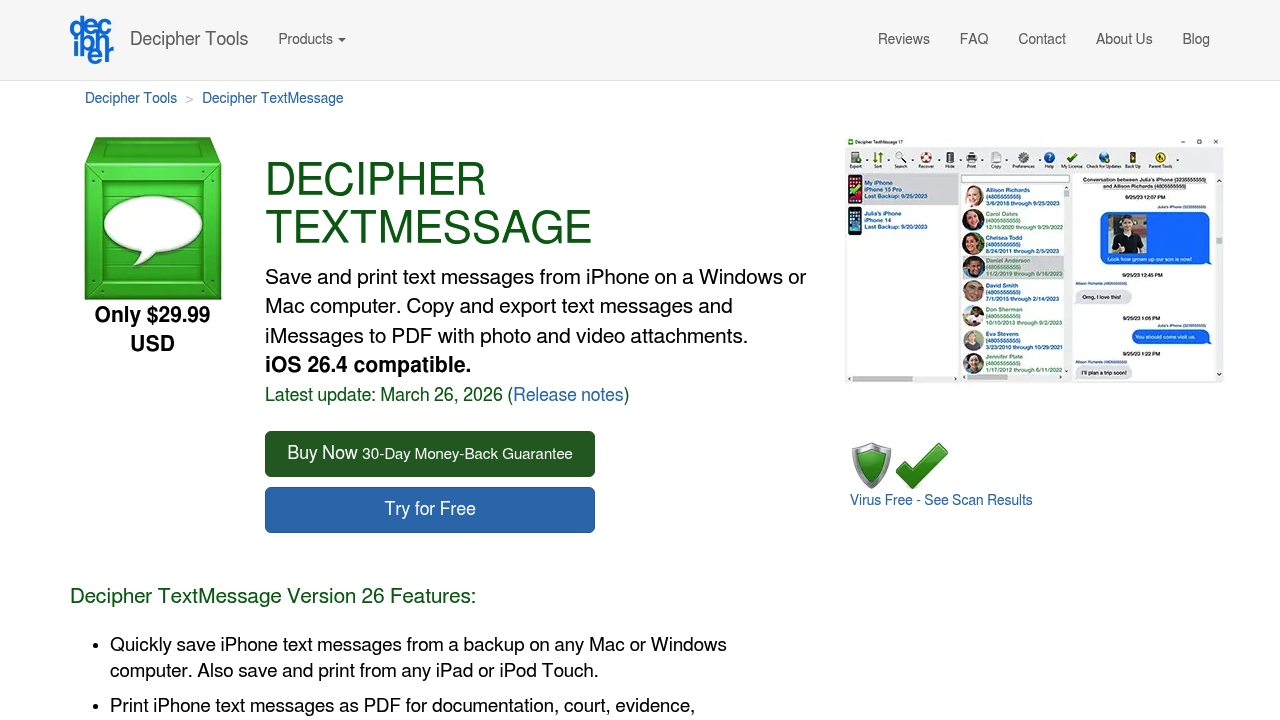
Decipher TextMessage is a specialized tool built specifically for exporting iPhone messages to a computer. It works on Mac and Windows, reading iPhone backups from iTunes, Finder, or third-party sources to extract SMS, iMessage, and group conversations. The software exports to PDF, CSV, HTML, or TXT and formats the PDF output to look like the iPhone Messages interface, complete with blue and green chat bubbles, timestamps, and sender names.
Decipher Tools positions this as the tool of choice for legal documentation. According to a February 2026 legal software comparison, Decipher TextMessage is priced at approximately $29.99 for two device activations, making it one of the most direct and affordable options for message-only exports. The software keeps all data local with no uploads to the cloud and includes search and filtering tools to locate specific conversations.
Where Decipher falls short is the same place every desktop tool does: it needs a Mac or PC plus an Apple backup before any export can start, and it only reads iMessage and SMS, so WhatsApp, Messenger, Instagram DMs, Telegram, and Signal stay out of reach. If you want the same finished PDF but on your phone, the Decipher TextMessage alternative for iPhone walks through the swap.
Best for: Legal professionals, attorneys, and anyone who needs printed text messages for court with authentic formatting and metadata.
Pricing: Around $29.99 for two devices. Free trial available.
4. TouchCopy
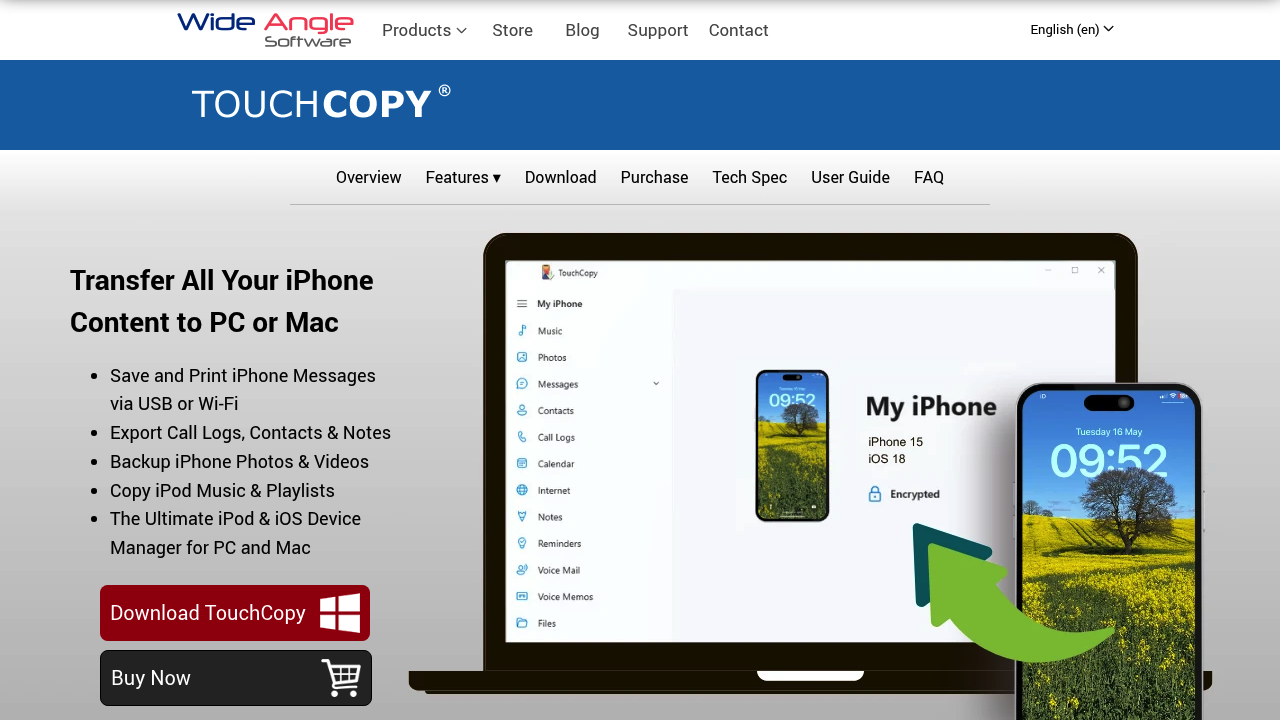
TouchCopy is a desktop program from Wide Angle Software that transfers messages, music, photos, and other content from iPhone to Mac or PC. For messages, it exports SMS, iMessage, and WhatsApp to PDF, HTML, CSV, or plain text. The interface allows you to select multiple contacts and export their conversations in bulk, and the PDF output preserves the visual format of the original chats.
TouchCopy connects to your iPhone via USB or Wi-Fi, and it can work directly from the device or from an existing backup. According to software comparison sites, the pricing structure includes 6-month, 12-month, and lifetime licenses, making it a mid-range option between specialized message tools and broader iOS managers.
Where TouchCopy is the most appealing of the desktop tools is its perpetual-license model — the deliberate alternative to the subscription path iMazing and AnyTrans have moved to. The trade-off is the same one every desktop tool has: a Mac or PC and a backup step are required, and Messenger, Instagram DMs, Telegram, and Signal are out of scope. The TouchCopy alternative for iPhone covers the on-phone path for those cases.
Best for: Users who want to export messages along with other iPhone content such as music and photos using a single tool.
Pricing: $28.50 to $70 depending on license duration. Free trial available.
5. CopyTrans Contacts
CopyTrans Contacts is part of the CopyTrans suite, a set of Windows apps for managing iPhone data. The Contacts app handles not only contact lists but also messages, calendars, and notes. It can export SMS and iMessage conversations, and it works by connecting your iPhone to a PC via USB.
The tool is designed for Windows users who want a straightforward way to back up messages without iTunes. Exports are available in readable text formats and can be saved to Outlook or as standalone files. CopyTrans emphasizes compatibility with the latest iOS versions and provides clear system requirements and troubleshooting guides.
Best for: Windows users looking for a simple, focused backup tool for contacts and messages.
Pricing: Perpetual license model with trial period. Specific pricing varies by product bundle.
6. AnyTrans
AnyTrans is a general-purpose iOS data manager that competes with iMazing. It handles messages, photos, music, contacts, and app data. For message exports, AnyTrans can save SMS, iMessage, and third-party chats to formats including PDF, TXT, and HTML. The software runs on Mac and Windows and connects to your iPhone via USB or Wi-Fi.
AnyTrans is often mentioned in app roundups for its polished interface and ease of use. It is particularly popular with users who want a visual, drag-and-drop workflow and do not need the advanced forensic features of tools like iMazing or Decipher.
AnyTrans's real specialty is migration — moving everything from an old iPhone to a new one, or shifting data between iCloud accounts — and message export is one feature inside that wider scope. For people who only want the message PDF, the AnyTrans alternative for iPhone is the leaner path.
Best for: Users who want an all-in-one iOS manager with a modern interface and support for a wide range of data types.
Pricing: Subscription or perpetual license depending on edition. Free trial available.
7. iExplorer
iExplorer, formerly iPhone Explorer, is a desktop application that turns your iPhone into an external drive, letting you browse and extract files, photos, music, and messages. It runs on Mac and Windows and supports SMS, iMessage, and some third-party chat apps. Exports are available in PDF, TXT, CSV, and HTML.
iExplorer is known for its file-browsing approach, giving advanced users more direct access to the underlying data structure. It is a good choice if you need to export messages but also want to explore app data, voicemails, or other content that is not typically accessible.
If a finished message PDF is the actual goal, the filesystem-browser path is more clicks than necessary. The iExplorer alternative for iPhone walks through the shorter path that doesn't require navigating to where the messages live on disk first.
Best for: Advanced users who want file-level access to iPhone data in addition to message exports.
Pricing: Lifetime license available. Free trial available.
How to Choose the Right App
For most people, TextPort is the place to start: it works on the phone without a computer, supports every messaging platform, and its PDF output preserves the timestamps and sender names that legal filings need. If your messages live only in iMessage or SMS and you prefer a desktop workflow, Decipher TextMessage produces chat-bubble formatting from an Apple backup that attorneys know well. For users who want a comprehensive iOS manager with message exports as one feature among many, iMazing and AnyTrans are strong choices, though they come with higher price tags. And if your goal is specifically iMessage, our iMessage chat history export guide compares the phone and Mac routes in more depth.
Consider export format options. PDF is essential for printing or presenting in court, CSV is best for analysis or importing into databases, and HTML preserves formatting for web-based archiving. Also check platform support. Some tools only handle SMS and iMessage, while others include WhatsApp, Telegram, Signal, and other messengers.
If you regularly need to export messages from multiple apps or want to archive conversations as part of a broader data backup strategy, prioritize tools that handle a wide range of messengers and offer flexible export options. For a one-time export of an iMessage-only thread on a Mac or PC you already own, a flat-license tool like Decipher TextMessage or TouchCopy can work out cheaper than a subscription. For everything else, and whenever there is no computer in the picture, TextPort handles the whole job from the phone.

Start exporting your messages
Available for iPhone, Mac, and Windows. No computer required.
